
Migrating a WordPress Blog to Astro with Claude Code
My blog ran on WordPress for years — hosted on AWS Lightsail. I’ve now migrated it to Astro using Claude Code.
This article covers why I moved away from WordPress, what the migration involved, and what actually changed as a result.
What Is WordPress?
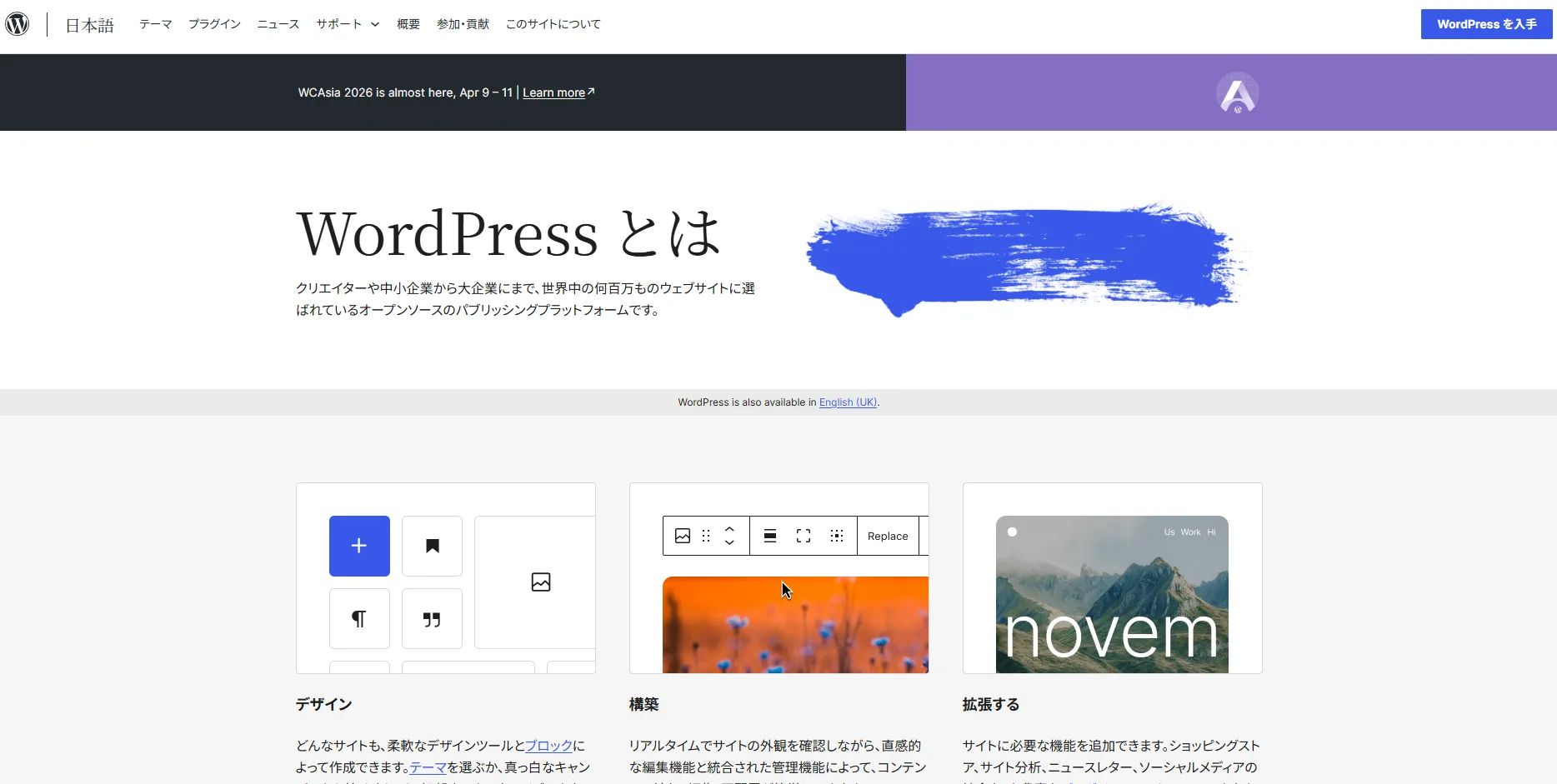
For anyone unfamiliar: WordPress is the world’s most widely used tool for creating blogs and websites. It’s said to power around 40% of all websites globally — an extraordinary market share.
The admin interface is GUI-based and easy to use, and plugins make it simple to add new features. The downside: WordPress runs PHP code and a database on a server at all times, which means ongoing hosting costs and continuous security and maintenance overhead.
Why I Stopped Using WordPress
The Ongoing Costs Add Up
I was running WordPress on AWS Lightsail, which uses EC2 (Amazon’s virtual servers) under the hood. That means a fixed monthly fee regardless of traffic. With backup and data transfer costs factored in, I was spending roughly ¥1,500–3,000 per month.
Whether I was getting a lot of readers or almost none, the bill stayed about the same. For a personal blog, it’s a meaningful expense.
Security and Plugin Updates Were Stressful
WordPress is so widely used that it’s a frequent attack target. Reading occasional news about plugin vulnerabilities or suspicious access attempts was a low-level source of anxiety.
More concretely: every time I updated a plugin, there was a moment of dread — would WordPress break? Would the layout fall apart? That happened more than a few times. My site actually went down for several days on multiple occasions because plugin updates corrupted the install, and I had to do recovery work behind the scenes.
Pages Were Slow
WordPress generates HTML dynamically — on each page request, the server runs code, queries the database, and builds the page on the fly. Proper caching helps, but there’s a ceiling. Pages always felt a little sluggish.
Slow pages hurt SEO (search engine rankings), which in turn limits readership growth. A real problem.
What Is Astro, and Why Did I Choose It?
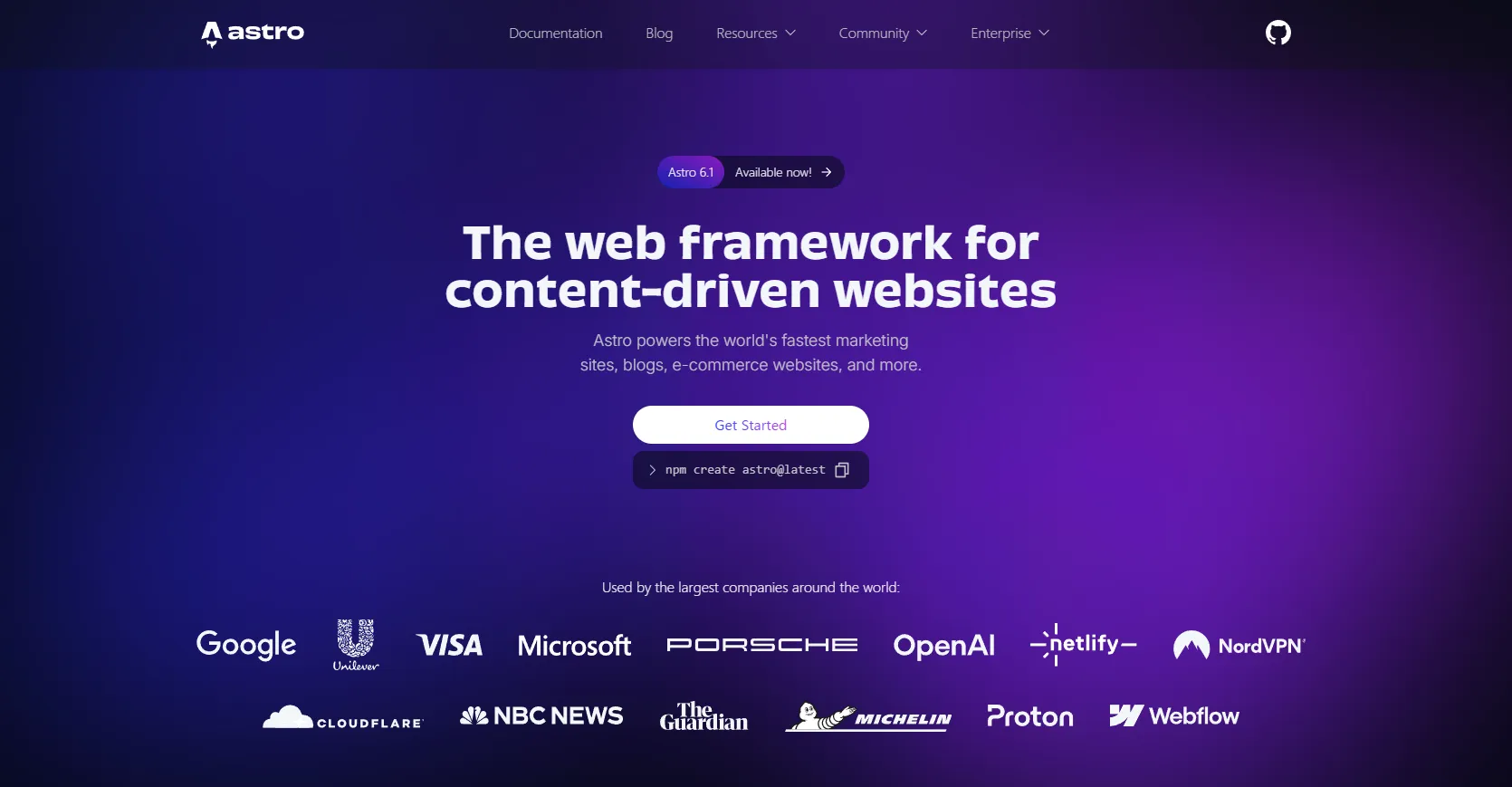
Astro is a framework designed for content-focused websites — blogs, documentation, and similar. Its defining characteristic is that it’s a static site generator.
Where WordPress generates HTML dynamically on every request, Astro pre-builds all HTML files in advance (at build time). The result is a static site — pure HTML, CSS, and JavaScript — which loads extremely fast and is naturally strong for SEO. Because there are no plugins to update, the site can’t be broken by a plugin update. And since everything is code-based, you have full control over the entire site.
Static hosting is also dramatically cheaper. On AWS S3 + CDN, costs are essentially a few dozen to a few hundred yen per month.
I considered a few alternatives — Next.js, Hugo, Astro — and went with Astro for a simple reason: it’s built for blogs. Articles can be managed as Markdown files, which meant I could migrate my WordPress content directly. Managing 175 articles as a collection is also well-supported by Astro’s content system.
Claude Code Made This Possible
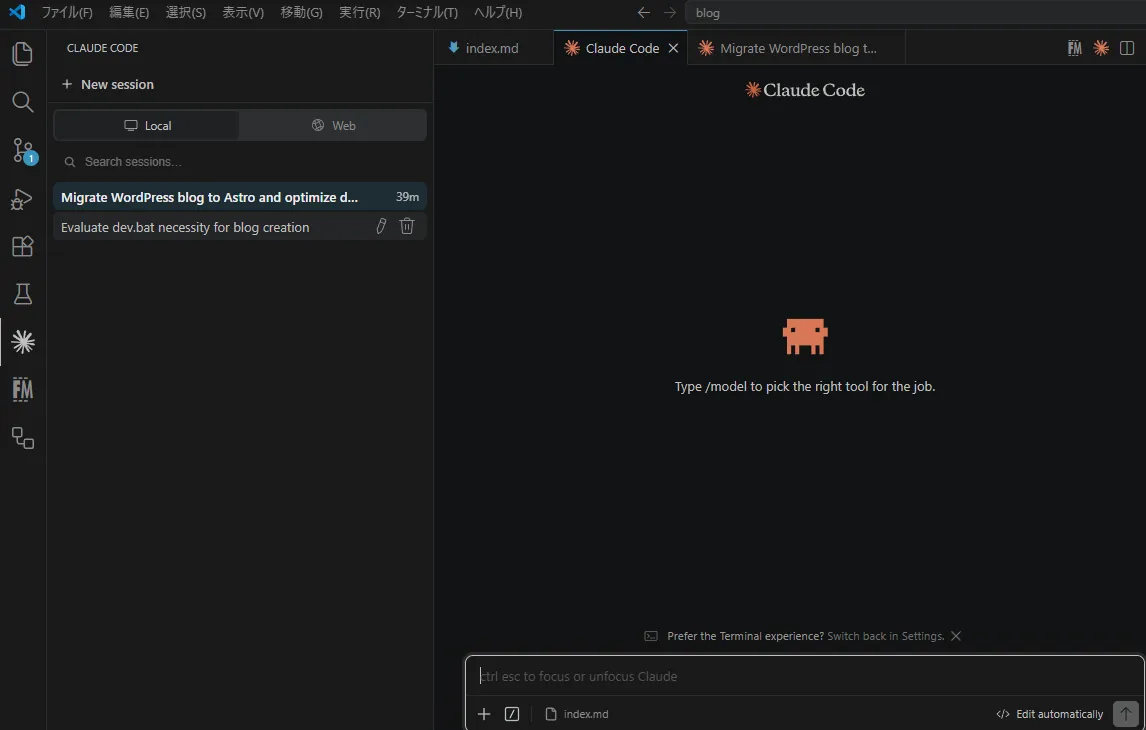
Honestly, this migration happened because of Claude Code. Without it, I don’t think I would have even considered attempting this.
Claude Code is a tool that lets you use Anthropic’s AI, Claude, directly from your development environment (like VS Code). It doesn’t just write code — it reads and modifies files, then acts on instructions like “fix this error,” “add this feature,” or “write me an AWS command.” It does the actual work.
A quick note: Claude Code is a CLI tool, so there’s a slight learning curve to using it directly. I recommend integrating it as an extension into VS Code or a similar editor for a smoother experience.
Migrating 175+ articles from WordPress to Astro would normally be a significant project. Here’s what I had Claude Code do:
- Build the Astro site foundation
- Design the site from scratch
- Convert all 175 articles to Markdown
- Auto-generate SEO descriptions for all 175 articles
- Implement sidebar, table of contents, share buttons, and other components
- Configure AWS S3 and CloudFront (including SEO settings)
- Implement structured data (JSON-LD) for search engines
- Set up automated deployment via GitHub Actions (CI/CD)
- Configure security headers
- Investigate and fix build errors
Even just listing the major tasks, this is a project that would realistically take several weeks to a month for an engineer working seriously. With Claude Code, it was done in approximately 1–2 days, with almost no code written by me.
My job was mainly to give instructions — “I want this feature,” “fix this,” “handle SEO” — and verify that things were actually working on screen. Claude Code handled 99%+ of the actual coding.
Before AI, this kind of solo migration at this scale would have been extremely difficult — effectively impossible for most people. Working alongside AI has dramatically lowered the technical barrier. That was a real revelation.
There’s also a structural advantage: WordPress is largely a black box — plugins do things you can’t easily inspect or control. Astro is entirely code-based, which makes it an excellent fit for working with AI. That matters a lot for ongoing maintenance and iteration.
What the Work Actually Involved
Moving 175 Articles
All 175 WordPress articles were converted to Markdown files, carrying along titles, dates, categories, tags, and cover images.
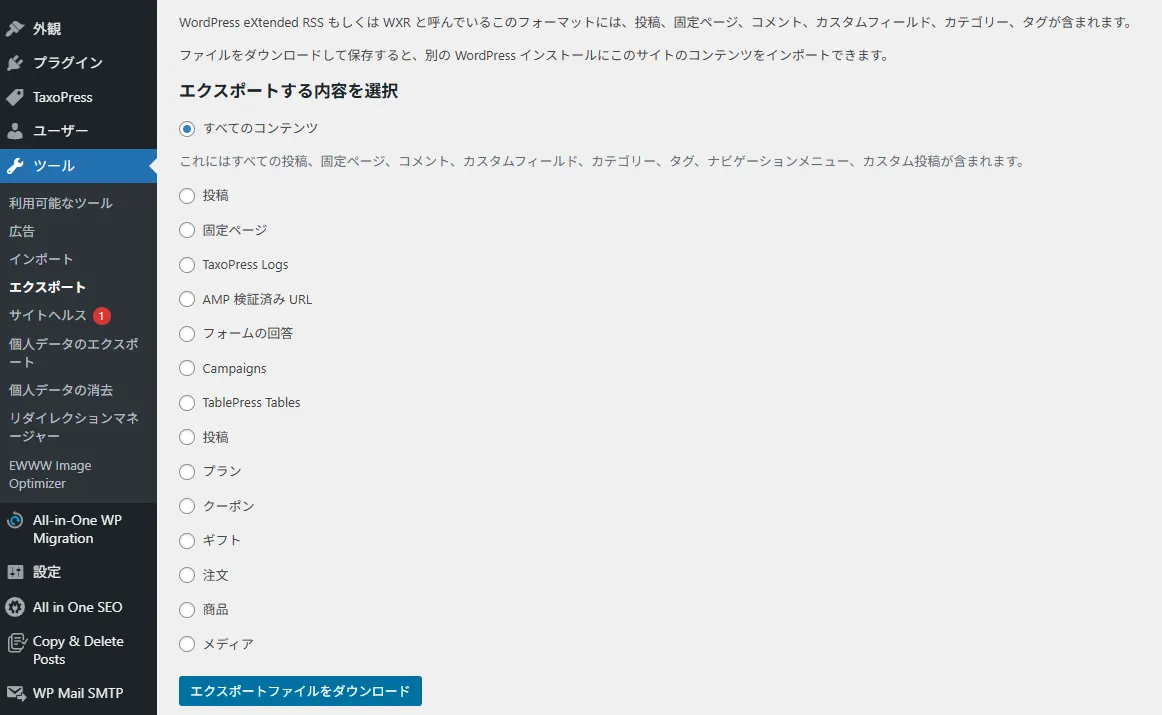
The method: first use WordPress’s built-in Export tool (Tools → Export → All content) and save the file to a local folder.
Then pass the folder path to Claude Code and ask it to migrate the content to Astro. One pass usually isn’t perfect — I went through about 20–30 rounds of “adjust this” before being satisfied. Even so, 20–30 exchanges to complete a migration of this scale is remarkable.
I also asked Claude Code to preserve the original URLs so that any SEO value accumulated in Google’s index would carry over as much as possible.
Rebuilding the Design
WordPress themes and plugins can’t be transferred, so the entire design had to be built from scratch. Beyond the visual appearance, every functional feature also had to be reimplemented:
- Responsive design (mobile and tablet)
- Category and tag pages
- Article breadcrumbs
- Auto-generated table of contents
- Social share buttons (X, Facebook, LINE, Hatena Bookmark)
- Related articles and series navigation
- Sidebar (recent posts, category list, etc.)
- Site search (Pagefind)
Implementing all of this would normally be substantial work — Claude Code handled it all.
SEO Setup
Static sites have a reputation for being SEO-unfriendly, but that’s not really true if you set things up properly.
Structured data in JSON-LD format (which Google prefers), OGP tags for social sharing previews, and automatic sitemap generation were all implemented via Claude Code. Overall SEO should be better now than with WordPress.
AWS Configuration (the Most Tedious Part)
Most of the migration work was handled entirely by Claude Code — but the one area where manual work was still needed was AWS infrastructure configuration.
CI/CD pipelines can create infrastructure resources automatically, which reduces the work significantly. Even so, some things had to be set up by hand: IAM account creation for the CI/CD pipeline, certificate issuance via ACM, and CloudFront (CDN) configuration.
The blog is now hosted on AWS S3 (storage) with CloudFront (CDN) in front of it. S3 is essentially just a file store — it can’t run a dynamic WordPress site, but since the new Astro blog is a static site (HTML, CSS, JavaScript), S3 alone is sufficient to serve it.
The CDN dramatically improves page load speed for readers. HTTPS certificates are mandatory for modern sites, so they had to be issued as well.
Write an article → push to GitHub
  ↓ automatic build & deploy (GitHub Actions)
Files saved to AWS S3
  ↓
CloudFront delivers content globally at high speed
  ↓
Reader's browser receives it
Once configured, publishing a new article requires nothing beyond pushing to GitHub — the rest is automatic.
The detailed AWS setup steps could fill their own article, but honestly: you’re better off asking Claude to walk you through it while you do it yourself. (First-timers will likely struggle a bit, but if you can’t work through this level of configuration with AI assistance, collaborating with AI on larger projects will be difficult anyway.)
What Changed After the Migration
Costs Dropped by Roughly 90%
| Before (WordPress + Lightsail) | After (Astro + S3 + CDN) | |
|---|---|---|
| Hosting cost | ~¥2,000/month | ~¥100–300/month |
Costs vary with upload frequency and access volume, but the monthly bill dropped dramatically. Looking at a full year, this should save roughly ¥20,000. That’s genuinely satisfying.
Pages Are Noticeably Faster
Static files served through CloudFront load extremely quickly. The time WordPress spent doing server-side processing is now zero — the difference is perceptible even just browsing the site.
Security Concerns Are Essentially Gone
Static sites are structurally very secure. Since they’re just HTML, CSS, and JavaScript with no server-side backend, there’s nothing meaningful to attack.
- No database → virtually no risk of data theft
- No server-side code execution → no risk of injecting malicious code
- S3 is private → direct file access from outside is blocked
WordPress plugin vulnerabilities no longer affect the site at all. The security posture is significantly stronger.
(You might wonder: if S3 is private, how does the blog work? Readers only ever see content served through the CDN — only I can access the S3 bucket directly. And since it’s just static files, there wouldn’t be meaningful damage even if S3 were somehow accessed.)
Maintenance Became Much Simpler
Push to GitHub, and the CI/CD pipeline automatically builds and updates the site. Plugin updates, backups, database maintenance — all of that is gone.
Everything is code-based, so adding new functionality just means asking Claude Code to implement it. And I can run the blog locally to check things before publishing, which makes the writing workflow much more comfortable.
What Actually Got Worse
I’ve written mostly positives so far — here are the honest downsides.
No Comment Section
WordPress has native commenting, but static sites can’t support this by default. External services like Disqus can be added, but it takes effort.
It’s implementable if I want it — not a fatal limitation — but it’s absent for now.
Contact Forms Require Extra Work
Dynamic form processing (submitting and responding) isn’t possible with a static site. It would require an external service or something like AWS Lambda. Currently unimplemented.
Like comments, this is doable when I get around to it.
Publishing Takes a Few Minutes
After writing an article, there’s a 3–4 minute build delay before it appears on the site. With WordPress, saving instantly published. It’s a minor inconvenience, but it does make breaking-news style posts impractical.
In practice, a few minutes is basically a rounding error. Not something I care much about.
The Migration Requires Technical Knowledge
Even with AI support, the migration requires a certain level of technical understanding.
WordPress is largely used by people without development backgrounds — and concepts like static vs. dynamic sites, Astro, S3, CDN, and CI/CD pipelines can be intimidating. Claude Code can do the implementation work, but the person giving instructions needs to understand enough to know whether what was built is actually correct and suitable for long-term site operation.
CI/CD pipelines are the same way: you need to know that such a thing exists and why it would help before you can think to ask for one. If the basic architectural concepts are completely foreign, directing the AI becomes difficult.
This setup probably has too high a learning curve for people with no programming background at all. That said, if you can provide the right instructions, Claude Code makes the actual implementation extremely straightforward.
Here’s what my development setup looks like:
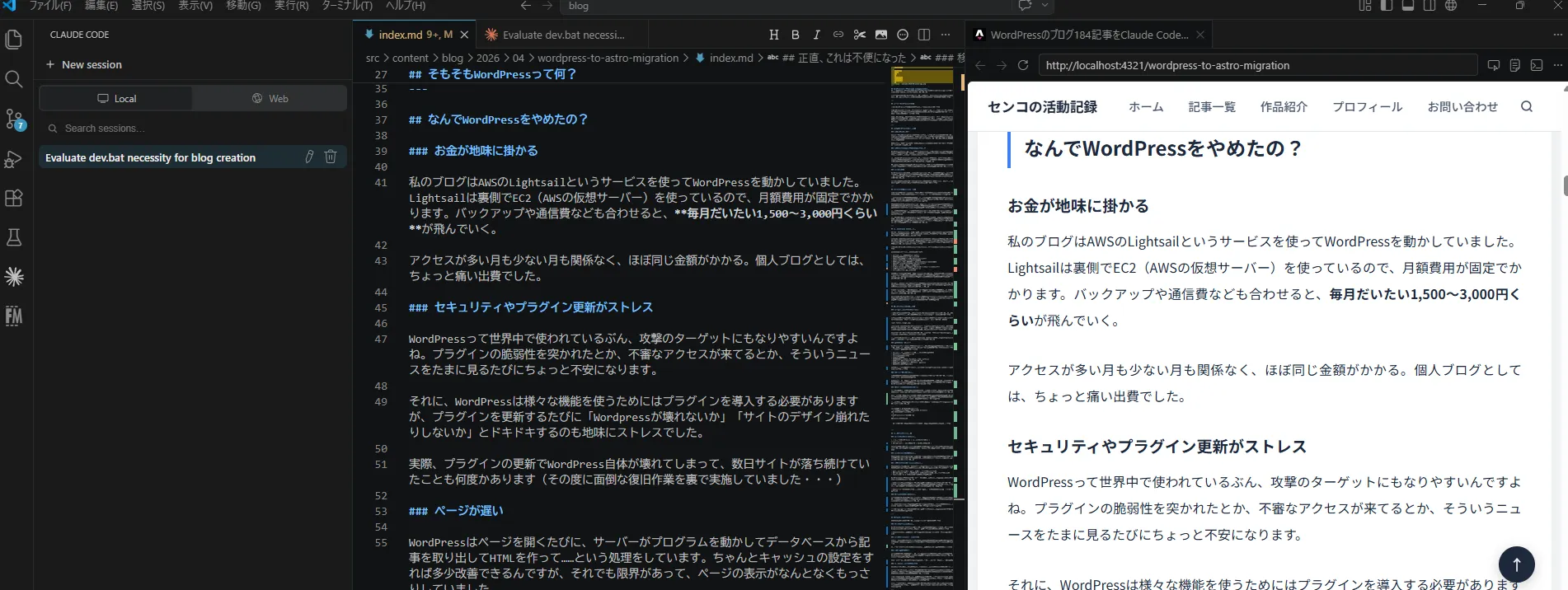
Claude Code is integrated into VS Code. I manage the site code-first, verify changes in a local environment, and push to GitHub — which automatically deploys to the live site.
Who This Is (and Isn’t) For
Based on everything above, here’s a rough profile of who would benefit from this kind of migration.
Good fit:
- Wants to reduce monthly hosting costs
- Wants faster page load times
- Tired of WordPress maintenance tasks
- Has some familiarity with GitHub and Markdown
- Wants stronger security
Maybe not the right fit:
- Comfortable with the WordPress admin interface and not interested in Markdown
- Needs dynamic features like comments or complex forms
- Little to no programming background
- Doesn’t want to use AI, or can’t evaluate whether AI output is correct
Related Articles


Summary
Honestly: moving away from WordPress was the right call.
Costs dropped significantly, the site got faster, and security concerns effectively disappeared. More than anything, being freed from “blog maintenance tasks that aren’t writing” has been the biggest win.
If you’ve been thinking “I need to do something about WordPress,” it’s worth seriously considering a migration to Astro or another static site generator.
This process also showed me that solo migration projects at this scale are achievable with AI. If I’d had to research and figure out everything from scratch on my own, I would have given up partway through.
One thought that struck me during this: in the AI-native era that’s coming, code-based management may actually be easier than GUI-based tools like WordPress. The whole reason GUI tools proliferated was that nobody wanted to write code. But in an AI era, code is increasingly the easier path — AI handles the writing. The field may be coming full circle, and that feels like a genuine turning point.
This migration was about a blog, but building web apps with AI is equally accessible now — the cost is nearly zero and the complexity is manageable (S3 + Lambda architectures, for instance). I’m planning to build some apps when I find the time.
I hope this article is useful to someone.
Tech Stack Summary
| Item | Used |
|---|---|
| Framework | Astro v6.1.1 |
| Styling | Tailwind CSS v4 |
| Content management | Front Matter CMS (VS Code extension) |
| Hosting | AWS S3 + CloudFront |
| Auto-deployment | GitHub Actions |
| Site search | Pagefind |
| AI support | Claude Code (Anthropic) |
Also popular with readers