
Introduction
This article covers how to buy foreign stocks — specifically Vietnam stocks — on SBI Securities, including screenshots.
To buy foreign stocks on SBI Securities, you need to either purchase shares in the local currency (foreign currency settlement) or in Japanese yen (yen settlement). Vietnam stocks are handled in foreign currency only.
For more basic information about foreign stocks on SBI Securities, see the official page below:
SBI Securities — Basic Information on Foreign Stocks
If you have questions along the way, SBI’s FAQ is also helpful:
SBI Securities — Foreign Stock FAQ
Buying Foreign Stocks on a PC
Step 1: Prepare the Foreign Currency for Your Target Stock
The first thing to do is acquire the local currency for the stock you want to buy (in this case, Vietnamese Dong).
[Step 1] Log in to SBI Securities, open the “Forex Trading” screen under the “Trading” tab, select “Vietnamese Dong” from the currency list, click “Buy” under the buy/sell option, and press “Go to Order Entry.”

[Step 2] Enter the amount of Vietnamese Dong you want to buy (in VND). The “Reference Rate” shows the approximate rate at which you’ll be purchasing. The “Provisional Rate” indicates the margin you’ll need available (if you want a specific yen amount, use the “Forex Simulation” feature to calculate).

After entering the amount, input your trading password and press “Go to Confirmation Screen.” For this example, I’ll try buying ¥2,000,000 worth.
Note on forex spreads: The rate on the SBI market page and the actual transaction rate can differ considerably.
For example, when I checked: the “Reference Rate (per 10,000 VND)” was ¥51.1 to buy and ¥47.1 to sell — a spread of ¥4, which is very wide (close to 8%).
This means that if you invest in Vietnam stocks, you’ll need to earn at least enough profit to cover this spread before coming out ahead. This is one reason why, if you’re investing in emerging-market stocks, you should target high-return stocks rather than simply riding general market growth.
[Step 3] On the “Order Details” screen, carefully verify the purchase currency and quantity. Vietnamese Dong involves very large numbers, so it’s easy for the yen equivalent to end up different from what you expected.

If everything looks correct, press “Place Order” to finalize. As you can see from the “Contract Date” and “Settlement Date” fields, Vietnamese Dong (VND) settles once per business day at 11:00 AM.

Once the order is placed, you’ll see the screen above. Wait until the Settlement Date. You can also review your order under the “Order Inquiry” tab and cancel before it fills (I haven’t tried this myself, so there may be some restrictions).
[Step 4] When the Contract Date arrives, check the “Order History” tab to confirm what happened.

Search using a date range that includes your order date:

The “Execution Rate” shows the actual rate you paid. In this case it was ¥49.4, which was significantly below the Reference Rate at order time — larger orders may execute at better rates.
[Step 5] From the SBI Securities logged-in homepage, find the “Foreign Stocks” panel on the right side and click “Trade.”

Open “Account Information” > “Account Summary” under the “Account Management” tab. Confirm that the Vietnamese Dong you purchased is reflected in both “Buying Power” and “Portfolio Value.”

Foreign currency is now ready. Next: placing the stock order.
Ordering the Foreign Stock
Once you have the local currency, placing the stock order itself is straightforward.
[Step 1] Click “Trade” under “Foreign Stocks” from the SBI Securities homepage (same as Step 5 above).
[Step 2] On the foreign stock top page, click the “Trade” tab, select the country tab (Vietnam in this case), click “Buy,” enter the ticker symbol, and press “Show Price.” If you already know the price, you can skip this and go straight to the order entry.

If you don’t know the ticker symbol, you can search for it under the “Investment Information” tab.
[Step 3] Review the price, then enter the number of shares and your target price (in VND), check all remaining fields, enter your trading password, and press “Go to Confirmation Screen.” For this example, I’ll try buying around 3,000 shares of Hoa Phat Group (HPG) at the previous day’s close.

[Step 4] Review the order confirmation screen. If everything is correct, press “Place Order” to submit.

[Step 5] After the order is placed, you’ll see this screen. Now wait and hope it fills!

[Step 6] After the Vietnam trading session ends for the day, go to “Account Management” > “Account Information” > “Account Summary” to check whether your order filled.

If the stock appears as shown, your Vietnam stock purchase is complete. You can also check the exact execution price under “Account Management” > “Trade History.”
Buying Foreign Stocks on a Smartphone (Note: Not Available in the App)
SBI Securities’ smartphone app does not support foreign stock trading. You’ll need to use a mobile browser in PC mode.
SBI Securities FAQ — What transactions are supported on smartphones?
To access the PC version of SBI Securities on a smartphone: open SBI Securities in your mobile browser (e.g., Chrome), log in, and tap the “PC Site” link.

You’ll then see the standard PC login screen. Enter your credentials and proceed as you would on a desktop.

The PC site on a smartphone is a bit cramped, but usable.
Closing Notes
This article summarized how to buy Vietnam stocks on SBI Securities, both as a personal reference and as a beginner’s guide.
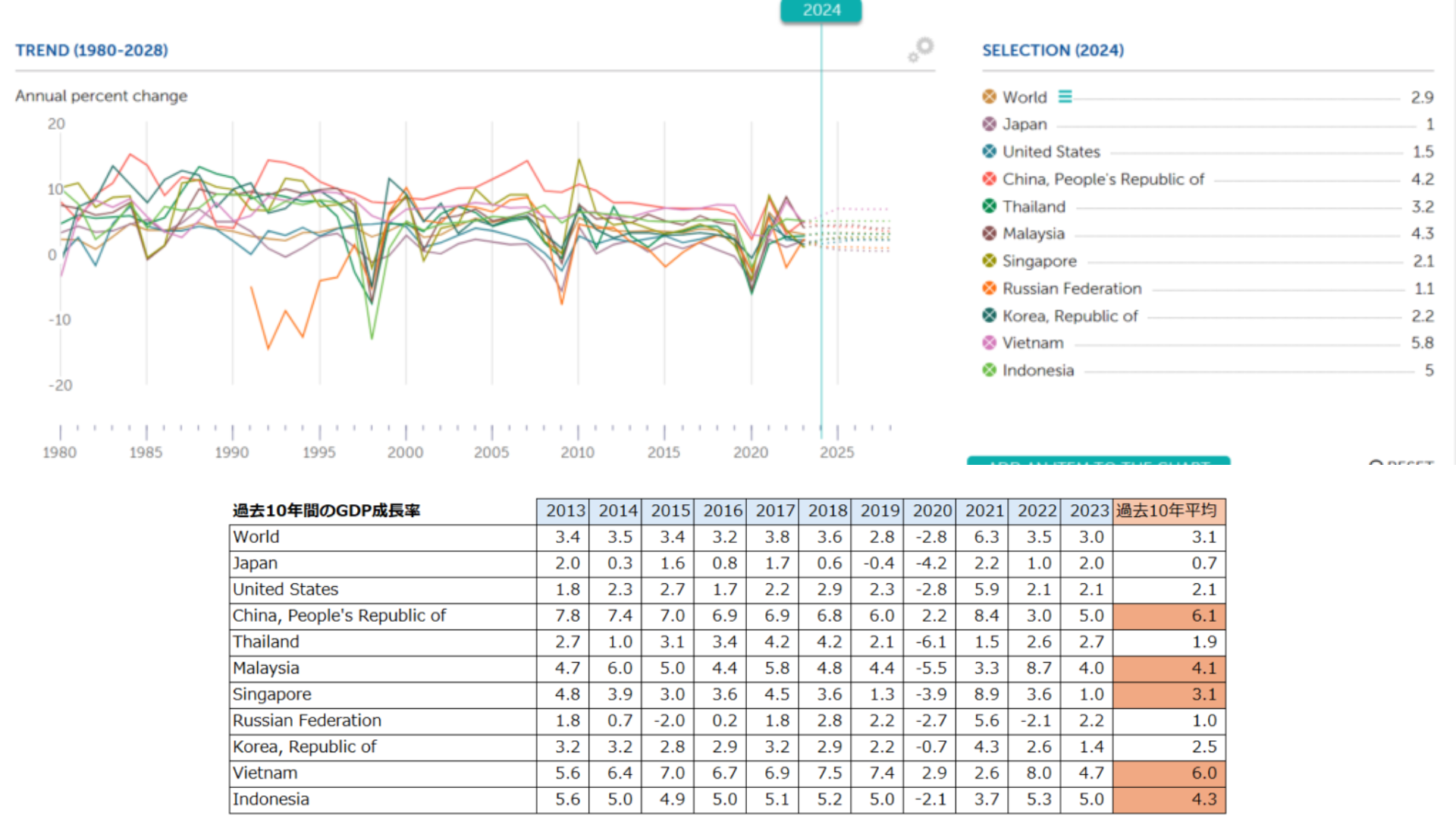
Vietnam’s market has a lot of potential — if the economy continues to develop, the stock market should become increasingly active.
That said, foreign stocks carry correspondingly higher risks. Don’t buy simply because I introduced something — make sure you have your own solid reasons and have thought through your worst-case risk management before investing.
Thank you for reading.
I’ve also written a comparison of the foreign stocks available through Japanese brokerages.
Also popular with readers
📚 Series: Warren Buffett's Investment Strategy (2/3)