My First Game Development Experience
I have spent many years in the industry as a web systems engineer, but various personal circumstances led me to start working as a freelancer. As part of that journey, I decided to take on a challenge I had always wanted to try: game development. I began making a game on my own using a tool called “Bakin.”
I had considered trying game development several times before, but I always thought it would be a bit difficult since you can’t rely on free assets alone—you need to prepare your own illustrations and other materials. However, with generative AI now widely available, it’s basically possible to cover the illustrations and music you need on your own, so the barrier to entry feels a bit lower.
That background is what pushed me to finally give it a try.
What Is RPG Developer Bakin?
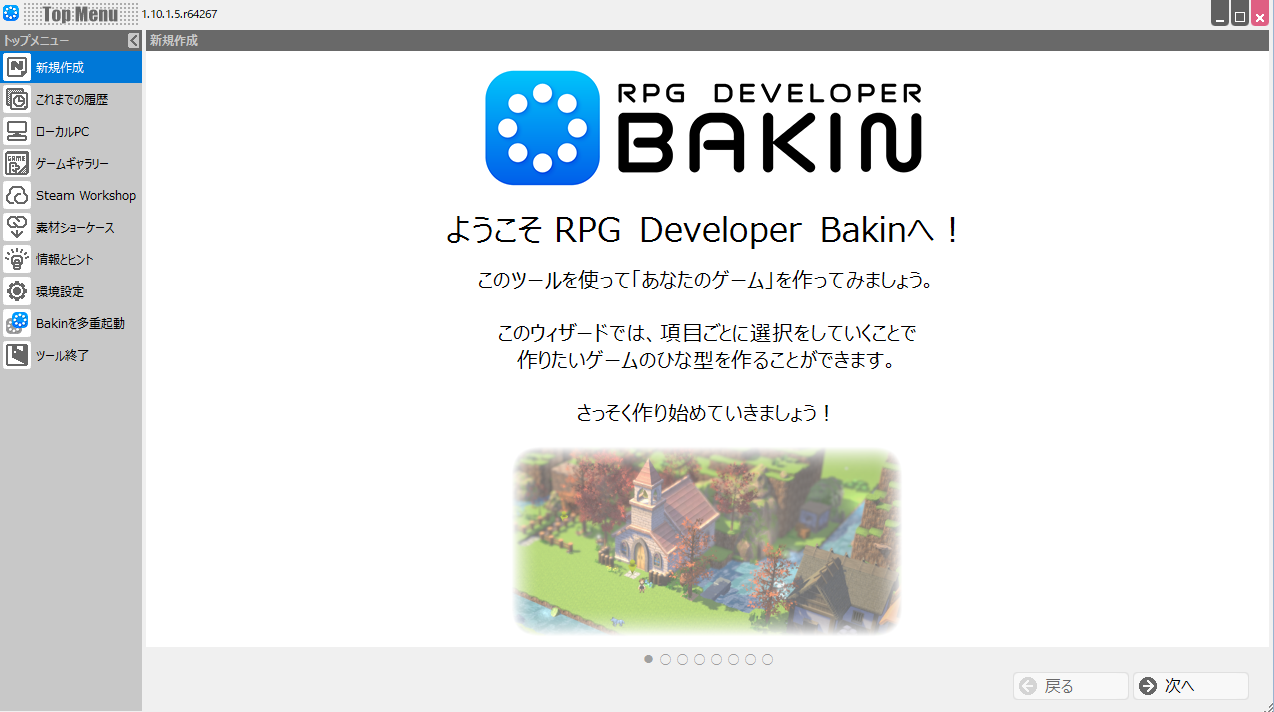
The tool I chose for my first game project is called “Bakin.”
“Bakin” is officially named “RPG Developer Bakin.” Simply put, it is a tool that lets anyone easily create RPG games without any complex programming.
There are countless tools available for game development. Well-known examples include Unreal Engine, Unity, the RPG Maker series, and WOLF RPG Editor.
At first I thought about using Unreal Engine, which lets you make the most elaborate games, but after actually installing it and trying it out, I found the learning curve quite steep. Combining free assets to get something moving wasn’t that hard, but making even small customizations required complex work with blueprints and 3D models.
Next I tried RPG Maker MZ from the RPG Maker series. While it seemed easy enough to make a basic game, the visual style honestly felt outdated to me.
That’s how I ended up at Bakin. Despite being positioned as an RPG-making tool, Bakin is actually fairly easy to use for action games as well. Of course it lacks some features compared to dedicated action-game tools, but a motivated developer can work around many of those limitations.
Looking at games actually released using Bakin, quite a few of them are action games.
For now, I plan to develop with Bakin and, if I feel the features become limiting in the future, consider switching to Unreal Engine or another tool.
Actually Making a Simple Action Game with Bakin
So I went ahead and made a simple action game using only the assets included with Bakin from the start.
What do you think? It’s certainly not as polished as games made with Unreal Engine, but I don’t think it has the cheap feel that often comes with RPG Maker games either.
That’s because Bakin defaults to an “HD-2D” graphical style.
“HD-2D” is a style you occasionally see in recent games—a fusion of two-dimensional pixel art and three-dimensional CG graphics, blending the charm of classic pixel-art games with modern graphical fidelity without feeling jarring.
This style was first used in “OCTOPATH TRAVELER,” a Square Enix game announced in January 2017, and has since been adopted by that company in several of its titles.
For players, it offers a sense of nostalgia while still feeling fresh—not a bad combination at all.
Because Bakin makes it easy to create HD-2D games, it’s easy to differentiate from games made with other tools, and I expect it will continue to develop meaningfully going forward.
That said, the default included assets are not especially plentiful, and DLC and plugins are noticeably fewer compared to other tools, so that is something to be aware of.
My Impressions After Using Bakin
My overall impression after making the sample game shown in the video is: “Bakin’s event processing turned out to be less flexible than I expected, and getting everything to work was a real struggle.”
People watching the video might think the hero and monster just have the bare minimum attacks implemented, but since it was my first time making a game, it took me about five days to get to that point.
I’ll introduce the details of how everything was built in separate articles, but the most annoying part is that it’s very difficult to have the attacking side (the hero) deal damage to the hit side (the monster). You basically have to implement the logic on the side that gets hit.
That means when you create a sword-attack event for the hero, you also have to implement a hit-damage event for each individual monster—writing similar damage logic for goblins, dragons, and everything else.
When there are only a few monster types it’s manageable, but as the number of monsters grows, you have to write the same logic over and over, which is extremely inefficient.
I rethought and rebuilt this many times wondering whether I was doing it wrong or if there was a better way, so I suspect improvement here is difficult.
If there were parent casts or parent events whose properties could be inherited by child casts and child events, you could put the shared logic in the parent and things would be much cleaner.
That said, if a beginner can get this far in five days, game development itself isn’t as hard as you might think.
I’ll be writing more articles about how I build out the game going forward, so I hope you’ll check them out.
Also popular with readers
📚 Series: RPG Maker Bakin: Game Development Guide (1/17)