Introduction
This article explains how to create an AI manga easily using Canva. For more detailed steps beyond what’s covered here, I’ve written a book that goes into greater depth — feel free to check it out.
If you’re a Kindle Unlimited subscriber, you can read it for free.
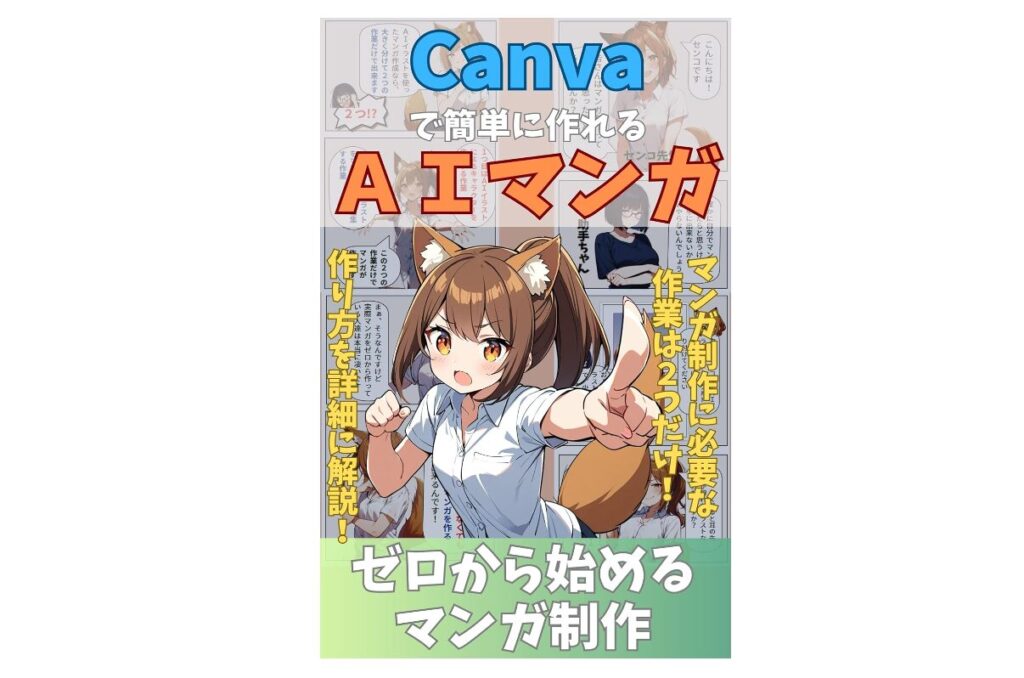
This article draws on the content of AI Manga Made Easy with Canva: Creating Manga from Scratch.
AI Manga Made Easy with Canva: Creating Manga from Scratch | Senko | Kindle Store | Amazon
Copyright and AI Illustrations
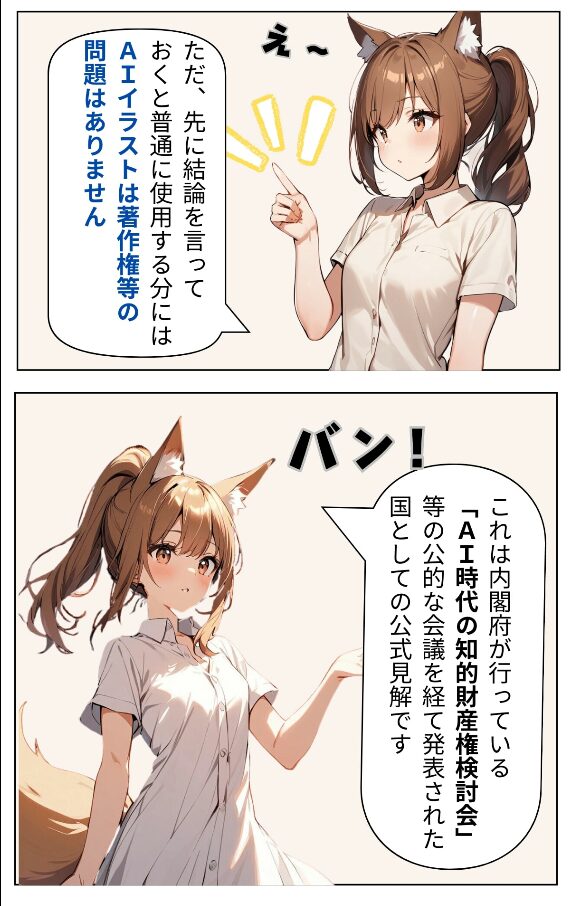
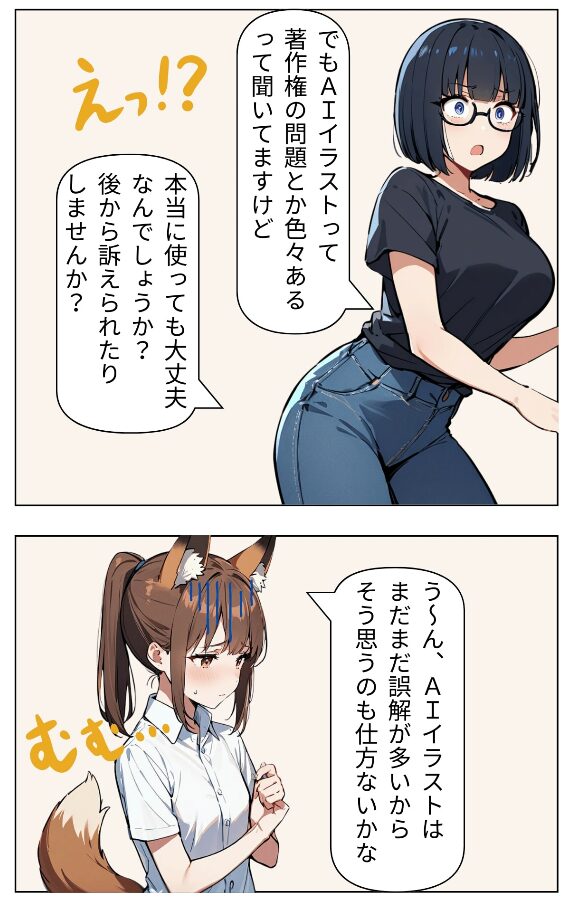
A common question when creating manga with AI illustrations is: aren’t there copyright issues?
This topic has been actively debated in government discussions as well. As of 2024, the general consensus is that using AI illustrations does not create major legal problems — at least in Japan.
However, there is an important exception: AI illustrations that clearly imitate the style of an existing creator’s work may be treated as derivative works and could be subject to copyright claims.
For this reason, when using AI illustrations, aim to generate completely original images without intentionally replicating any specific artist’s or work’s distinctive style.
As long as you do that, creating and publishing original manga using AI illustrations should not raise copyright issues.
For context: handmade derivative (fan) manga sold at events like Comiket is technically a copyright violation — yet creators rarely face consequences because rights holders often don’t sue, particularly when derivative work is non-commercial and functions as free promotion.
AI manga falls into similar gray territory. Most rights holders probably won’t sue, but some creators who oppose AI-generated content might, even if the work has promotional value. The safest approach remains: use AI illustrations only for fully original works.
The broader question of whether AI companies training on copyrighted images constitutes infringement is still being debated — but current guidance in Japan is that the training process and the resulting generated images are not illegal.
Two Steps Is All It Takes to Create AI Manga
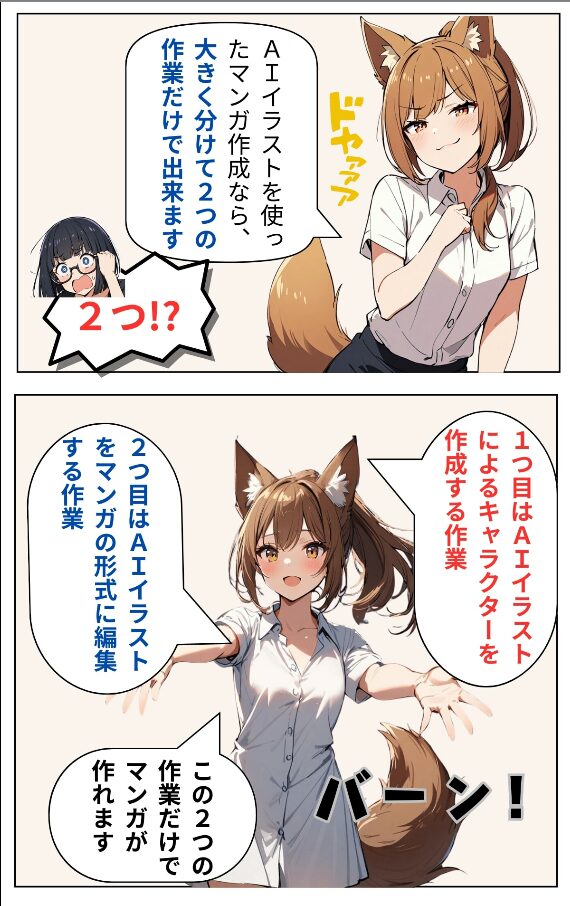
Creating AI manga is surprisingly simple. It comes down to just two tasks:
- Generate character illustrations using AI
- Edit those illustrations into manga format
Different tools are used for each step. For step 1 (AI illustration generation), I use Stable Diffusion. For step 2 (manga layout editing), I use Canva.
There are many AI tools available — these aren’t the only options — but based on my experience, this combination works extremely well for AI manga creation.
Note: for serious, professional-grade manga production, CLIP STUDIO PAINT EX (Clip Studio) is the industry-standard tool. If you want to create manga completely from scratch at a professional level, learning Clip Studio is the way to go. For casual AI manga creation, Canva is far more approachable.
Setting Up Your AI Illustration Environment
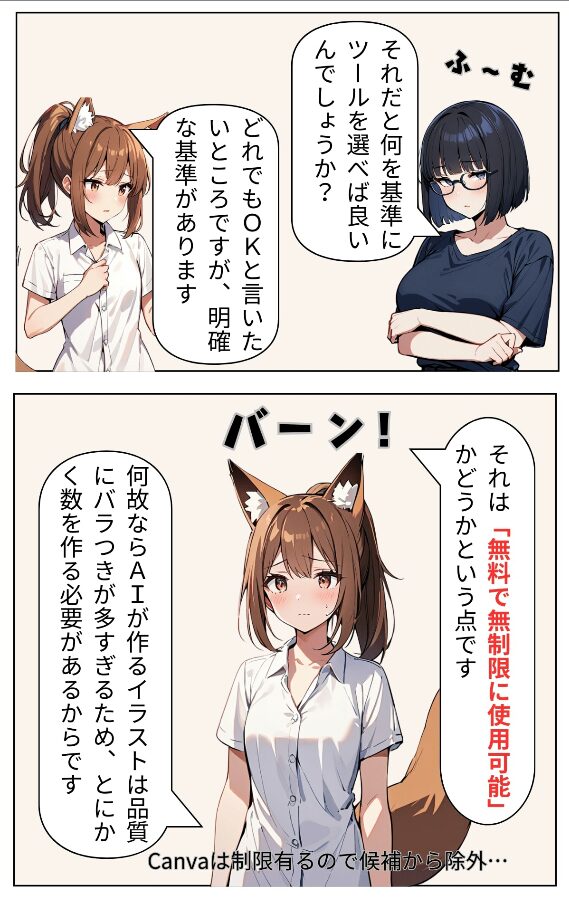
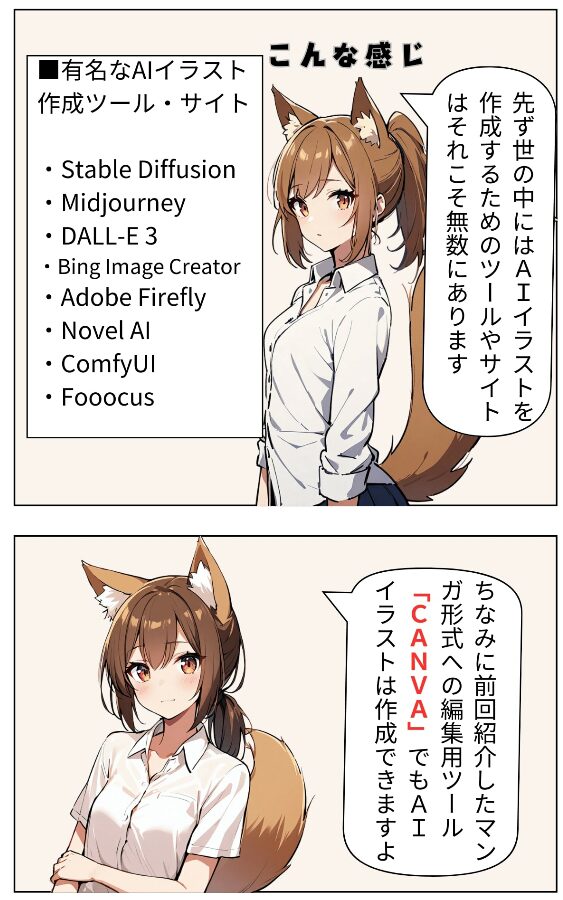
The reason I recommend Stable Diffusion specifically is: it’s free and unlimited.
AI illustrations vary enormously in quality. To find images that work well in a manga, you need to generate a large volume and select the best ones. If every generation cost money, the costs would add up fast.
For manga creation, the ability to generate images freely without worrying about cost is essential — which is why Stable Diffusion is the top choice.
To get started with Stable Diffusion, I recommend first installing StabilityMatrix — a tool that manages AI illustration tools and dramatically simplifies the otherwise complex setup process for Stable Diffusion.
After installing Stable Diffusion, you’ll also need a model file (pre-trained weights). There are many models available, but Animagine XL is the one I’ve found most consistently reliable for generating manga-style illustrations.
Generating AI Illustrations
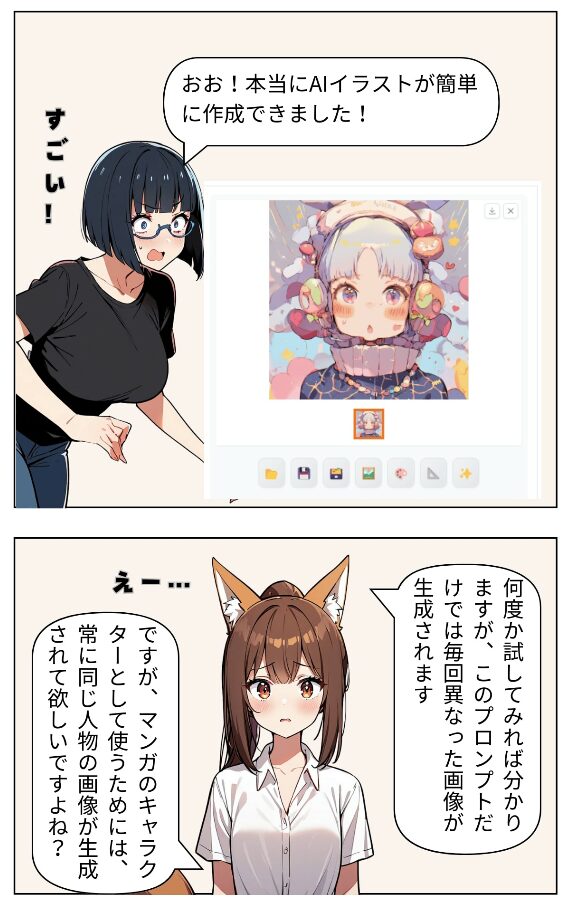
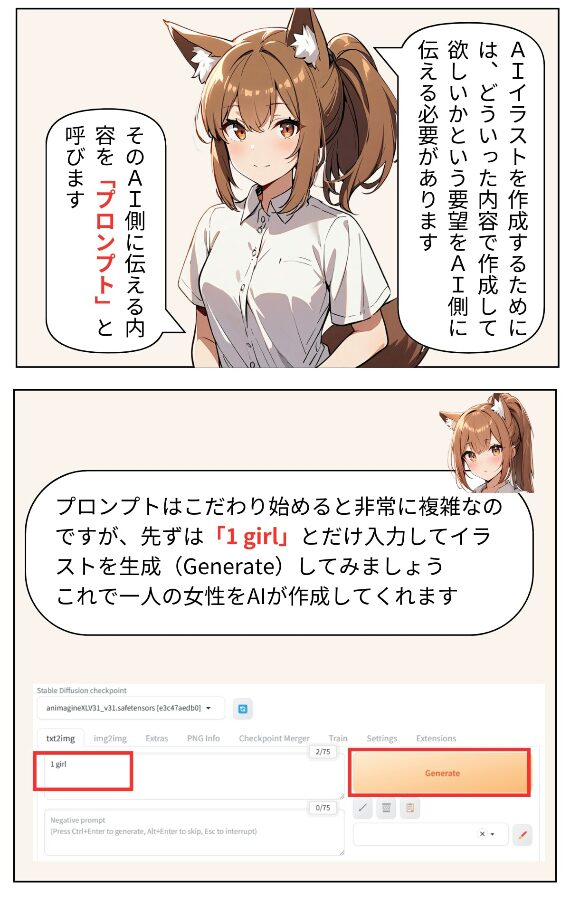
To generate illustrations in Stable Diffusion, you specify prompts — conditions that describe what you want the AI to create.
For manga, you’ll want consistent characters appearing across multiple images. Achieving this requires detailed prompts. At a minimum, specify: gender, hairstyle, hair color, eye color, body type, and outfit. Without these, the same character won’t appear across multiple generations.
Even with detailed prompts, generating a consistent character is difficult. The practical approach: generate large quantities and select the best matches.
In addition to positive prompts, Stable Diffusion also uses negative prompts — conditions specifying what you don’t want in the generated images. Adding negative prompts reduces the frequency of undesirable results and improves overall efficiency, even though you could technically just generate more and filter manually.
Editing AI Illustrations into Manga Format in Canva
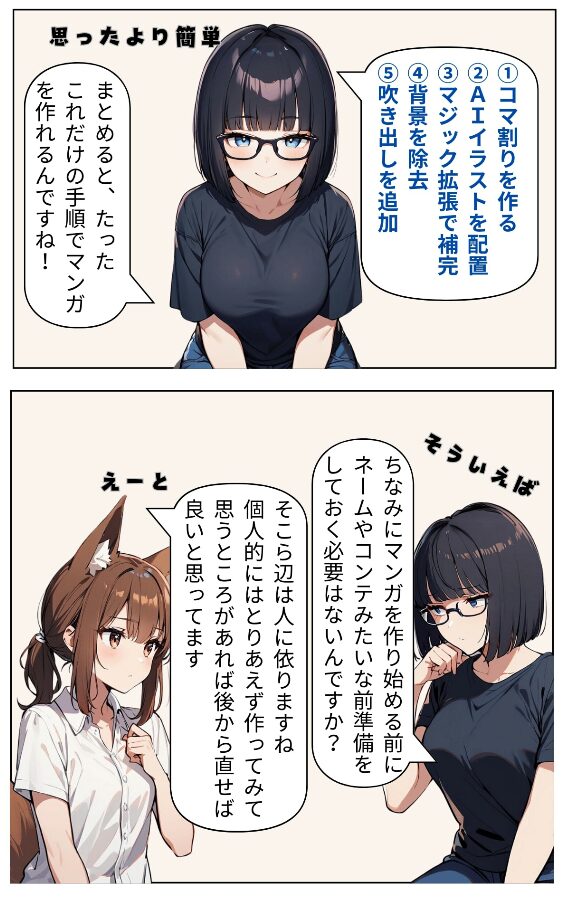
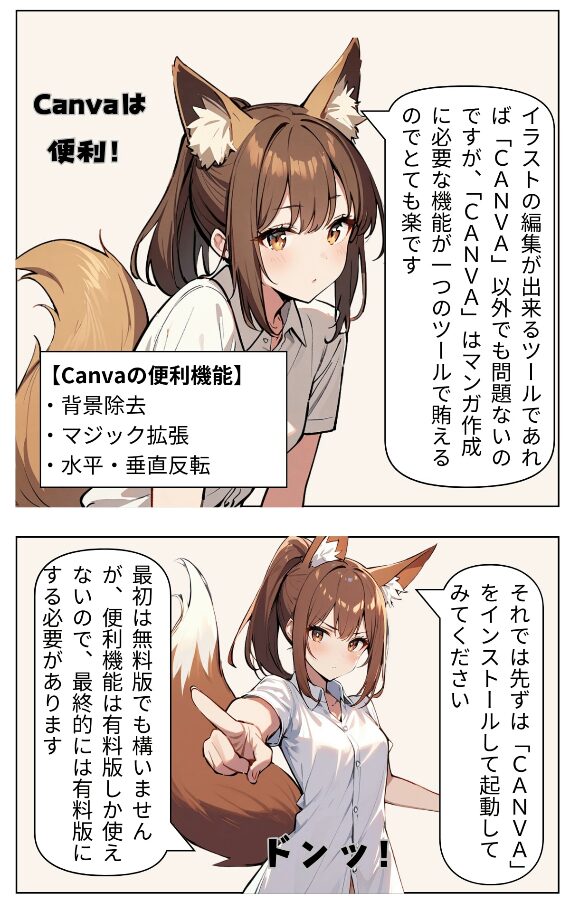
Once you have a collection of AI illustrations, the remaining task is editing them into manga format. Canva has exactly the right tools for this.
Magic Expand: AI illustrations are often partially cropped at the edges. Magic Expand uses AI to fill in the missing areas automatically.
Background Remover: Manga panels often need the character isolated without a background. Background Remover removes backgrounds automatically with a single click.
Horizontal Flip: When you need a character facing the opposite direction, the horizontal flip function reverses the image instantly.
Speech bubbles: Select a speech bubble from Canva’s element library, place it next to your character, and add text — and suddenly your character appears to be speaking. This is how you create dialogue in your manga panels.
The book linked above covers these steps in greater detail, but knowing these core techniques is enough to start creating manga in Canva.
Publish Your Manga on Kindle!
Once you’ve made your manga in Canva, don’t stop there — publish it.
Publishing may sound daunting, but Kindle makes it free and straightforward. I’ve written a separate article covering the publishing process:
Publishing and sharing your work — and getting feedback from readers — is a valuable experience whether the response is positive or not.
Summary
This article covered how to create AI manga easily using Canva.
AI is evolving rapidly, and new technologies are emerging constantly. AI illustration in particular has had a major impact on creators — and it has made it possible for anyone to become a manga creator.
Of course, if you want to develop professional-level manga craft, there’s still a lot to learn. Creating many works and gaining experience is necessary to produce high-quality results.
But the fact that someone with zero drawing experience can now produce a manga in a single day is a remarkable achievement of modern technology.
Canva isn’t inherently designed for manga production — but it works extremely well with AI illustrations, and once you understand the workflow, creating manga with it is genuinely easy.
I hope that people who haven’t used Canva before will discover it through manga creation and continue using it for other purposes as well.
For the beginner’s introduction to Canva:
Canva for Beginners: How to Use It, AI and Pricing Plans
Also popular with readers