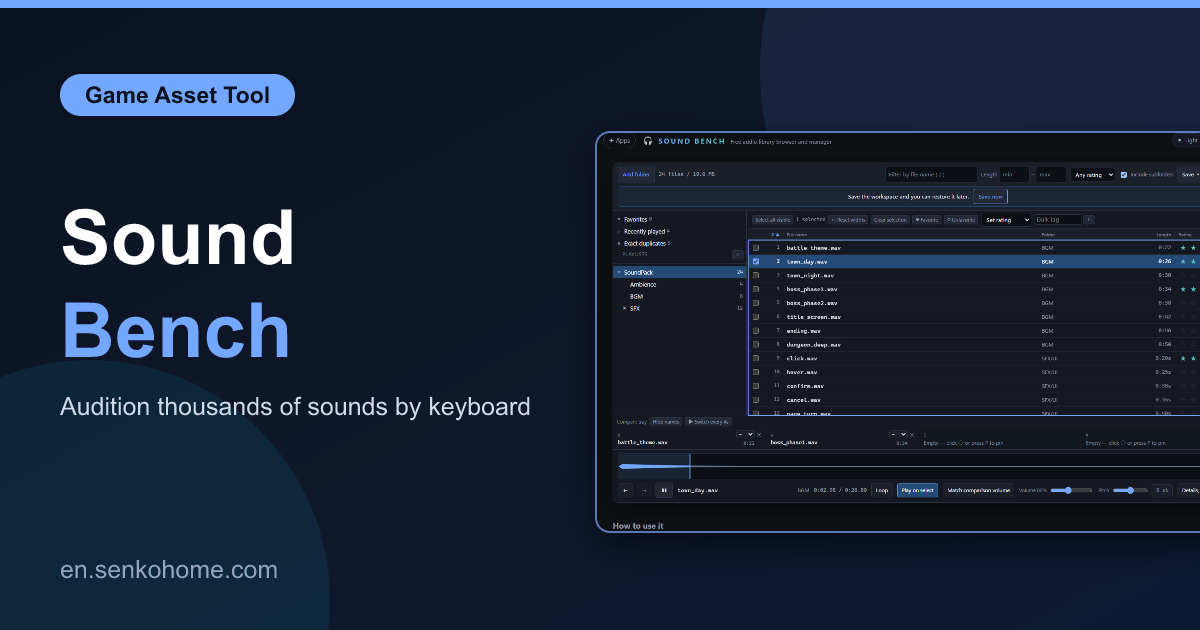
Thank you for visiting the site. This article is about “Sound Bench”, a free browser tool for one specific job: listening through a large pile of music and sound effects, and keeping track of which ones are good.
I make games, and like most people who make games I have bought a lot of asset packs. At some point the folder passed ten thousand files and the usual players stopped being useful. MusicBee and foobar2000 rebuild the library from tags, which throws away the folder structure the packs came in (and pack tags are unreliable anyway, every vendor fills them differently). Resonic Player auditions fast but has nowhere to write down “this one, for the boss fight”. The thing in between did not exist, so I made it.
🎧 Open Sound Bench (free)No sign-up, nothing to install. Point it at a folder and start listening
Folders Are the Only Axis
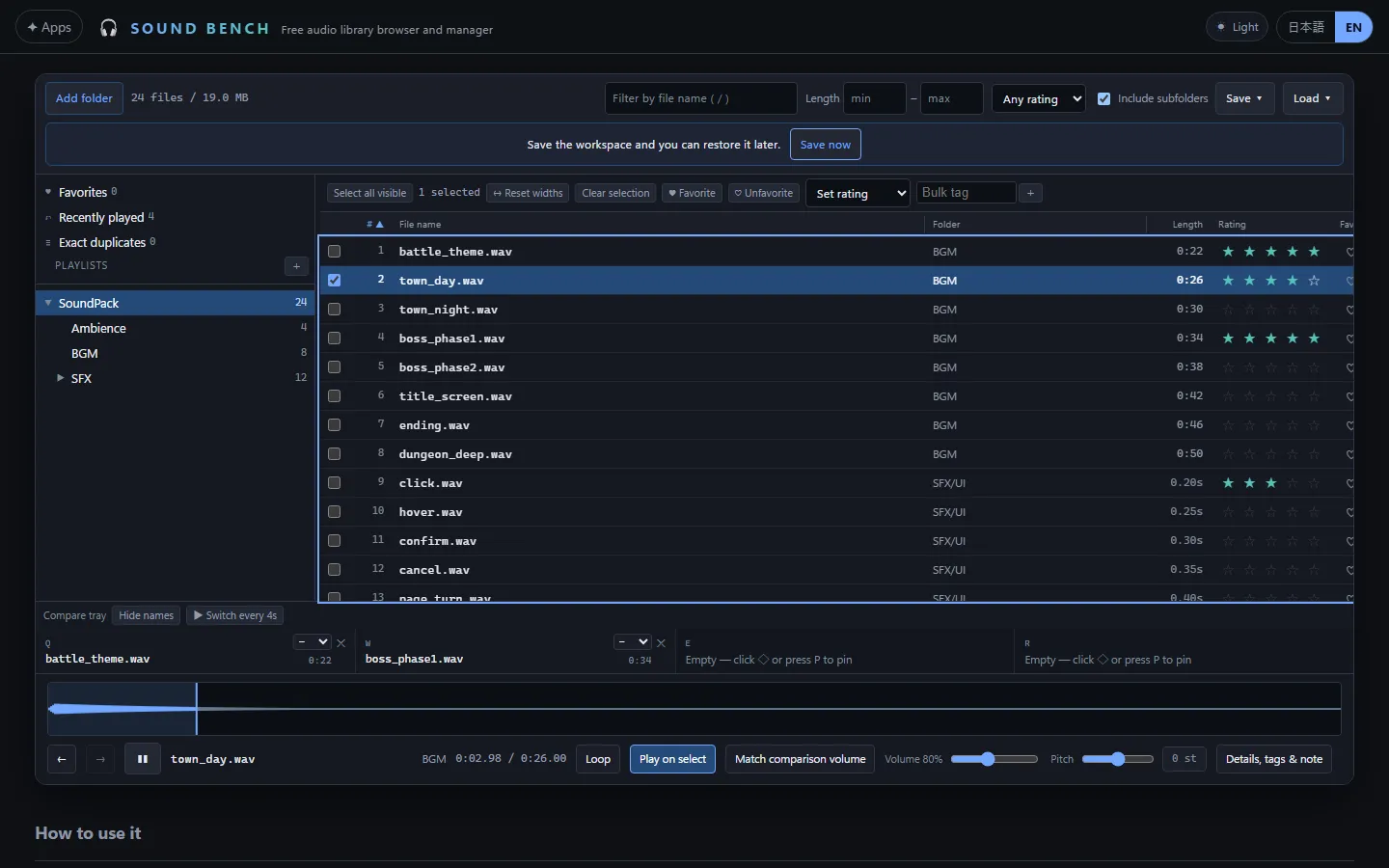
You add a folder and it reads everything inside, subfolders included, and shows the files in the structure they already have on disk. That is the entire organising principle. The tool does not invent a library, does not rename or move anything, and only ever reads the files. If you reorganise in Explorer, the tool sees the new layout next time.
From there the workflow is just keys. Down arrow plays the next file, up arrow the previous, and you press a number to rate the one you are hearing. With a duration filter set to ten seconds or more, thousands of sub-second effects vanish and only the music is left. With it set the other way, only the effects are.
Comparing Is the Point
The feature I built the tool for is the “comparison tray”. Pin up to four files into it, and the keys Q, W, E and R switch between them while keeping the playback position. So you can hear the same eight bars of four candidate tracks, back and forth, as many times as you need, and the decision usually makes itself within a minute.
Around that there are a few things that help the comparison be fair.
- A blind mode that hides names and notes, so that you are not swayed by which pack something came from
- An automatic switch every few seconds, when you want to sit back and let it rotate
- Loudness matching that evens out RMS differences between the four, so the louder file does not win by default. The files themselves are not touched
- Drag a range on the waveform and it loops just that section
- A ranking of first to fourth that you can save with the comparison
You can also push the volume well past full for quiet files, and shift pitch and speed a semitone at a time, well over an octave in either direction, to hear whether a track still works slowed down.
Keeping Track
Ratings, favourites, tags, notes and playlists are all stored in the browser and can be exported and restored as one JSON file, which I keep next to the assets. The list supports multi-select with checkboxes, so a hundred files can be tagged at once, and there is a recent-plays list for “what was that thing I heard twenty minutes ago”.
An exact-duplicate finder narrows candidates by size and partial hash and then compares every byte, so two files that merely share a name are not merged. Asset packs overlap more than you would think.
It runs in current Chrome, Edge, Firefox and Safari, and on iPhone and iPad from iOS 18.4. When you come back later, the same folder is offered again with a single permission click rather than a full re-select.
Summary
This article introduced Sound Bench.
It does one thing, auditioning a large folder of sounds and remembering what you thought of them, and it does it without rebuilding your library or uploading anything. If you have an asset folder you have been avoiding because it is too big to face, this is the tool for facing it.
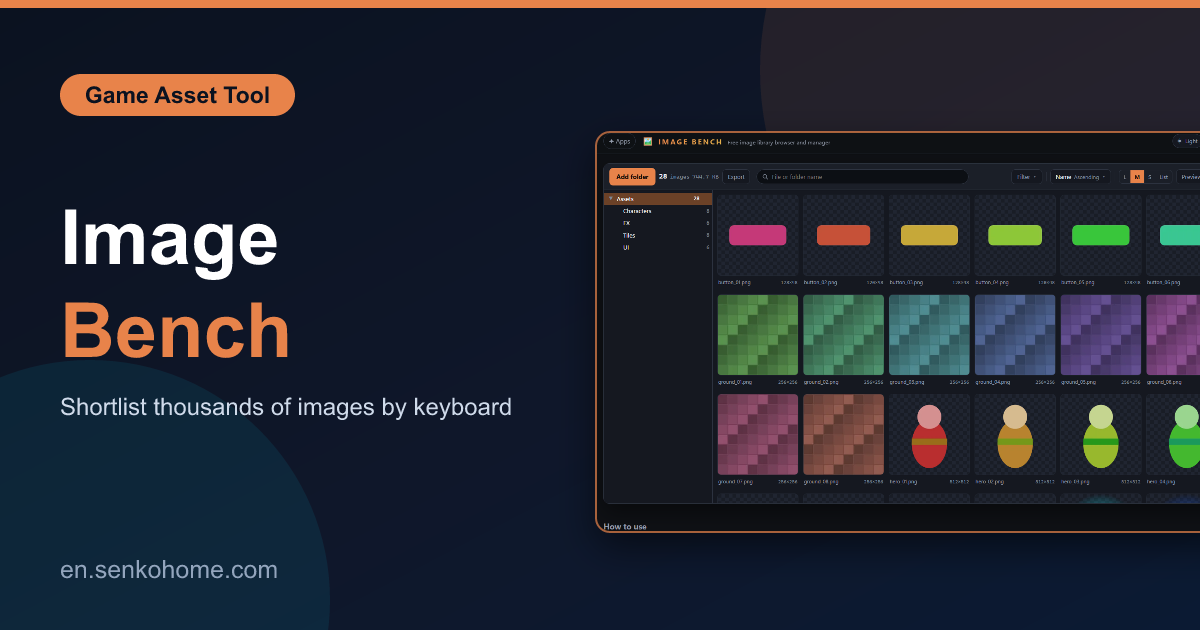
The same idea for images, with a grid instead of a waveform, is covered here.
I hope you will read the next article as well.
Also popular with readers
📚 Series: Free Browser Apps I Built (10/11)