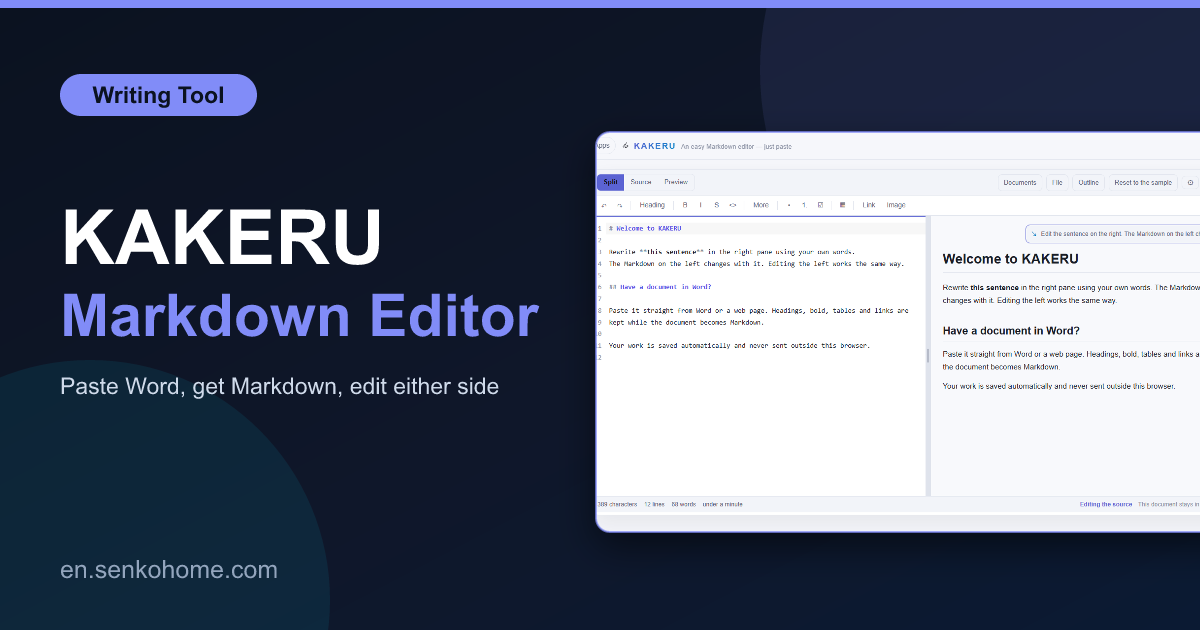
Thank you for visiting the site. This article is about “KAKERU”, a free Markdown editor I built around one habit: paste a Word document or a web page, and it is Markdown. Fix the result as if it were a normal document, and the Markdown fixes itself.
I write a lot in Markdown, and for years the annoying part was never the writing. It was the moment someone sent me a Word file, or I found a page I wanted to keep, and I had to hand-convert headings, lists and tables. The second annoying part was that most Markdown editors make you edit the source and look at the preview, when sometimes I just want to click into the preview and fix a typo.
Two Panes, Both Editable
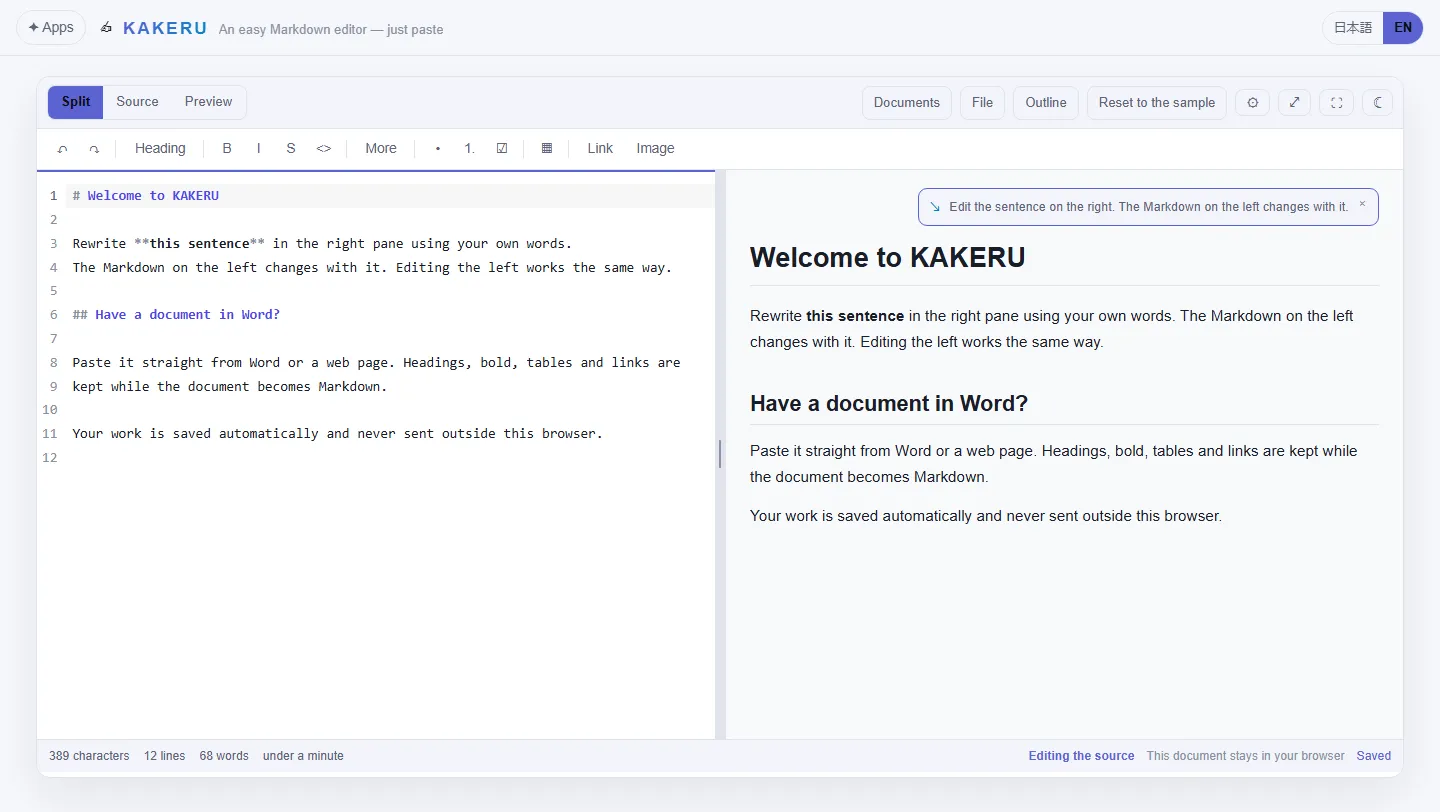
The screen is split. On the left is the Markdown source, on the right is the rendered document, and “you can type in either one”. Change a heading on the right and the # line on the left updates as you type; edit the source and the page follows. Clicking in one pane highlights the matching spot in the other, so you never lose your place.
It sounds like a small thing, and it changes how the tool feels. Long structural edits, moving sections, changing list nesting, are quicker in the source. Proofreading is quicker on the rendered side, because you are reading what the reader will read. KAKERU lets you switch without switching tools.
Pasting Is the Feature
Copy a chunk of a Word document, or select part of a web page, and paste it in. Headings become headings, bold stays bold, bulleted and numbered lists come through as lists, links keep their targets, and tables arrive as Markdown tables. The result is not always perfect, Word in particular has opinions about what a list is, but it is usually a minute of tidying rather than twenty minutes of retyping.
The things it handles beyond plain Markdown:
- GitHub-flavoured Markdown, including task lists and strikethrough
- Tables, footnotes and embedded images
- Maths with KaTeX and diagrams with Mermaid, rendered live on the right
- Find and replace, a table of contents, slash commands for inserting blocks
- A Vim mode for the people who want it, and a focus mode for everyone else
You can open and save .md files, drag one onto the window, and export to HTML or PDF. Several documents can be kept at once, with full-text search across them, because I kept wanting to find “that note from last week”.
Where Your Text Goes
Nowhere. The current document is kept in your browser’s local storage, the document library in IndexedDB, and the body of what you write is never sent to a server. The page does load analytics and ads, but no event includes document text, file names or search terms. It works offline once loaded.
If you would rather not have a browser involved at all, there is a “Windows desktop build” with the same features and no ads or analytics. It opens .md files by double-click and saves back to the same place. It is unsigned, so Windows shows its “unrecognised app” warnings on first run. They are the generic ones, not a virus alert.
A few honest limits. Loaded Markdown gets normalised (emphasis becomes **, bullets become -, headings become # style). Raw HTML is not rendered in the preview, for safety. Table cells cannot contain line breaks or nested tables. There is no sync between devices and no sharing link.
✍️ Paste something into KAKERU (free)Word and web pages in, Markdown out, both panes editable
Summary
This article introduced KAKERU.
It exists to remove two small frictions, converting pasted text and being forced to edit only the source, and it does so without asking for an account or a file upload. If you work in Markdown and keep receiving things that are not Markdown, I think it will earn a place in your bookmarks.
I hope you will read the next article as well.
Also popular with readers
📚 Series: Free Browser Apps I Built (9/11)