How to Sell Your Own Game on Steam
This article explains how independent game developers and indie developers can sell their games on Steam.
If you’re making a game on your own (or as a small indie team), you’ve likely already decided whether to release it as a free game or a paid title.
For free releases, longstanding platforms like Freem, Freegame Yume Utage, and Vector are popular, and more recently platforms like PLiCy, itch.io, BOOTH, and Ci-en have seen significant growth.
For paid releases, the top candidate is almost always “Steam”—which is what this article is about.
This applies specifically to PC games. For mobile games, Google Play and the App Store are the obvious first choices, regardless of price.
Other platforms do exist for paid PC game distribution—DLsite and DMM for the Japanese market, Epic Games Store and itch.io for international reach—but Steam is clearly the dominant choice for both scale and sales opportunity. Publishing on Steam is the safest first move.
This article focuses on the Steam publishing process itself, rather than comparing platforms, but I plan to write a separate article on platform selection in the future.
What Is Steam?
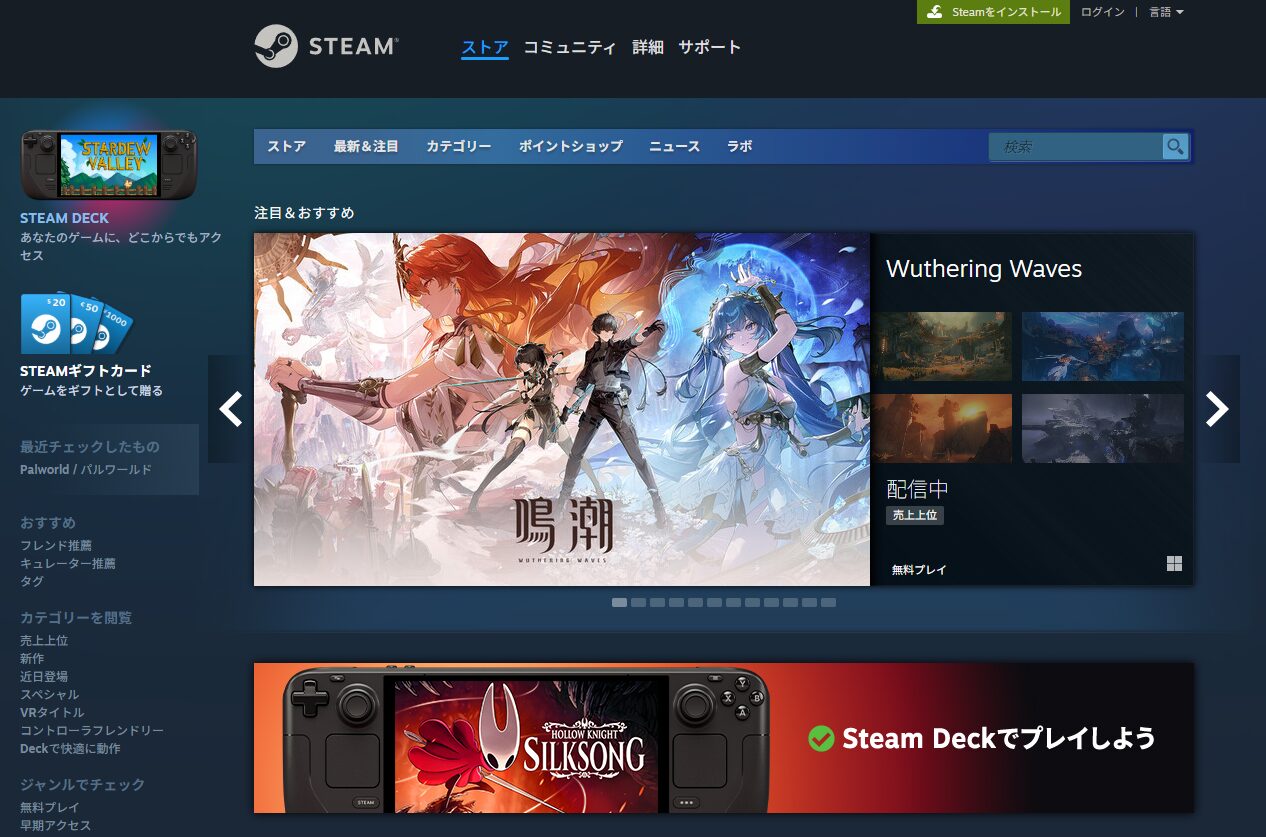
Most people reading this article already know what Steam is, but here’s a brief overview.
Steam is a service launched in 2003 by Valve Corporation, an American company, and continues to operate today (as of September 2025).
Its primary function is digital distribution of PC games and software. It also offers features like reviews and a Workshop, making it more than just a store—it’s a community platform.
When it first launched, Steam was mainly a gateway to play Valve’s own games. Over time it expanded to include third-party and indie titles, eventually growing into a massive global platform housing AAA games and indie releases alike.
Steam’s rapid growth is largely attributed to the timing of the digital distribution boom. At the time, physical disc sales were the norm and digital downloads were a niche. As digital distribution became the standard, Steam captured a large share of that demand and became the industry’s de facto standard.
Many similar platforms have emerged worldwide, but Steam remains clearly ahead in scale. Buying or selling downloadable PC games means Steam for most users.
That’s why, if you want to sell your indie game as a paid title, understanding how to publish on Steam is essential.
(A bit of trivia: it might be hard for younger readers to imagine, but people used to frequently buy physical games and sell them at used game shops when they were done. When digital downloads first appeared, many people thought “nobody would buy a game they can’t resell”—and yet here we are. Upending that conventional wisdom is part of what made Steam what it is today.)
Things You Need to Know Before Selling on Steam
Now, before getting into the step-by-step process, there are a few things you need to understand upfront:
- A $100 deposit (~¥15,000 at current rates) is required for every game you sell
- A bank account, My Number (tax ID), photo ID, and a selfie holding that ID are required
- At minimum, you cannot start selling until at least one month after registration
- Steam’s fee is 30% of revenue
- Selling on Steam requires an enormous amount of work
Items 1–4 are factual prerequisites. Without understanding these ahead of time, you risk investing significant effort into Steam only to get stuck partway through.
1. A $100 Deposit Is Required Per Game
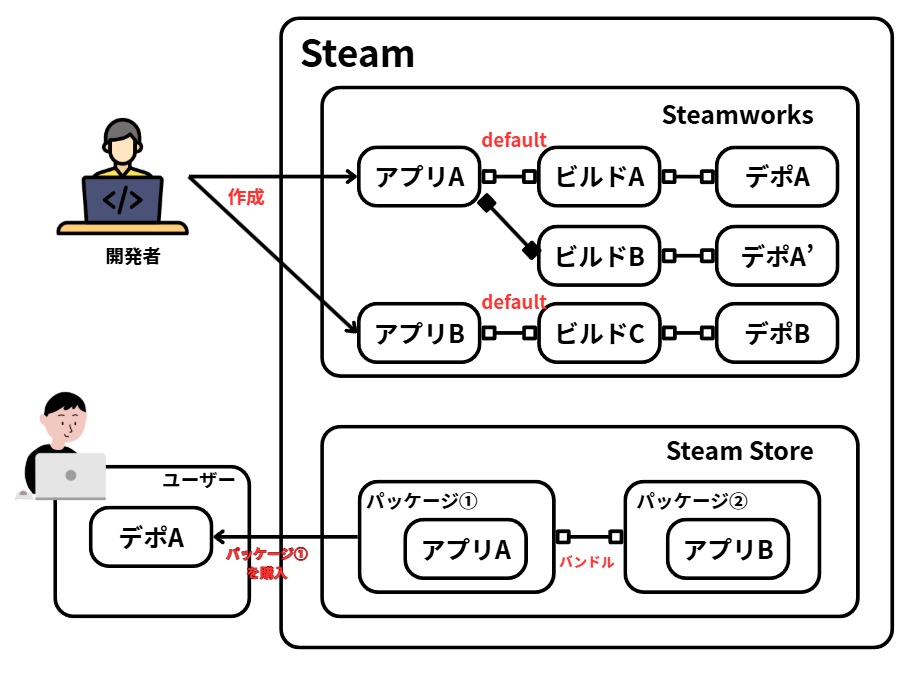
To sell games or software on Steam, you must participate in the Steamworks Distribution Program.
Joining the program requires an upfront deposit of $100 (~¥15,000 at current exchange rates) as a form of security.
The deposit paid at registration covers your first game. If you want to release a second game, you’ll need to pay another $100. This applies to every subsequent release as well.
The deposit is likely in place to prevent spam, fraud, and abuse. It is refunded once the game’s sales exceed $1,000 (~¥150,000 at current rates).
In other words, if a game doesn’t reach $1,000 in sales, you may end up in the red on that deposit. It’s a tough threshold for an indie title, but it also serves as a rough filter for whether a release is commercially viable.
2. Bank Account, Tax ID, Photo ID, and a Selfie Are Required
This is a potential dealbreaker for some people. Steam requires the following personal information:
- Bank account (to receive payments from Steam)
- My Number / TIN (Taxpayer Identification Number)
- Photo ID (passport or driver’s license)
- A selfie holding your photo ID (likely to prevent impersonation)
The bank account is obviously necessary for receiving payments. The other requirements, however, involve sensitive personal information.
Most people can accept providing their tax ID and photo ID, though reluctantly. The selfie requirement, however, is where some people draw the line.
If Steam were ever to suffer a data breach, everything you submitted could potentially be exposed to the world. Ultimately, selling on Steam means accepting that risk.
3. At Least One Month Is Required After Registration
If your game is already finished, you might expect to go live immediately like on other platforms. But Steam requires time.
Here are the specific waiting periods:
- 30-day waiting period after the deposit clears (some documentation says 21 days—treat this as approximate)
- 2–5 business days for store page and build review
- At least 2 weeks between store page publication and release
The waiting periods don’t lock you out of all Steam-related work—you can still prepare your store page, upload builds, etc. But the 30-day deposit hold is the longest fixed wait, so it’s the most important to remember.
In practice, completing all the other tasks in parallel means the full process takes at minimum one month and realistically two months or more from start to release.
For this reason, it’s standard practice to start preparing your Steam store page at least two months before your target release date—or ideally six months or more.
4. Steam’s Fee Is 30% of Revenue
The $100 deposit is just a security deposit, not a fee. Steam also takes a revenue cut on every sale.
Steam’s fee is 30% for revenue under $10 million (approximately ¥1.5 billion). Beyond that threshold, the fee decreases incrementally.
That threshold is unreachable for the vast majority of developers reading this, so just remember: Steam’s fee is 30%.
If your game earns ¥1,000,000 in sales, Steam takes ¥300,000 as its cut, and you receive ¥700,000.
If a game sells nothing, no additional fees are charged—the 30% only applies to actual revenue.
Whether 30% feels high or low is subjective, but 30% is the industry standard across most digital storefronts, so it’s generally accepted (even if many still find it steep).
That said, rival store Epic Games Store has made its 12% fee a selling point in an effort to compete with Steam. How that competition develops over time remains to be seen.
5. Selling on Steam Requires an Enormous Amount of Work
Including this as a warning might feel subjective, but having been through it myself, I want to be direct: getting a game on Steam is genuinely hard.
Steamworks registration itself is involved, but the store page setup and publishing is the most demanding part.
There’s an enormous amount to fill out, and you’ll need purpose-built images and a trailer. Just preparing those assets takes considerable time.
Developers who also want to localize into English (or other languages) face yet another layer of work—separate images, text, and other assets for each language.
If you’re not deeply committed to the goal of getting on Steam, there’s a very real chance of burning out partway through.
If you’re seriously considering selling on Steam soon, read through the steps below before starting. Understanding the full scope of work required—and deciding you still want to do it—is the right foundation to proceed from.
Steps to Sell a Game on Steam
Here’s an overview of the main steps required to sell a game on Steam:
- Join the Steamworks Distribution Program (one-time setup)
- Prepare and publish a store page (required for each game)
- Create and publish a demo
- Build and release the full game
Each of these steps will be covered in detail in separate articles. Think of these four steps as the high-level map of the entire process.
Note: these steps reflect my own experience registering on Steam in September 2025. Valve may update the process over time, so treat the details as subject to change.
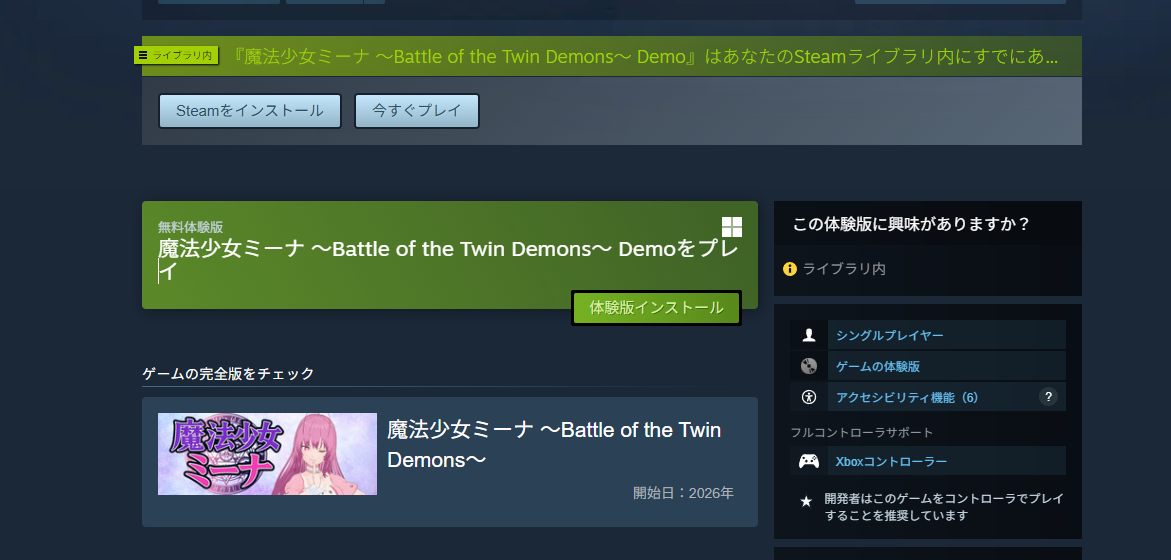
For reference, here is the game I submitted to Steam:
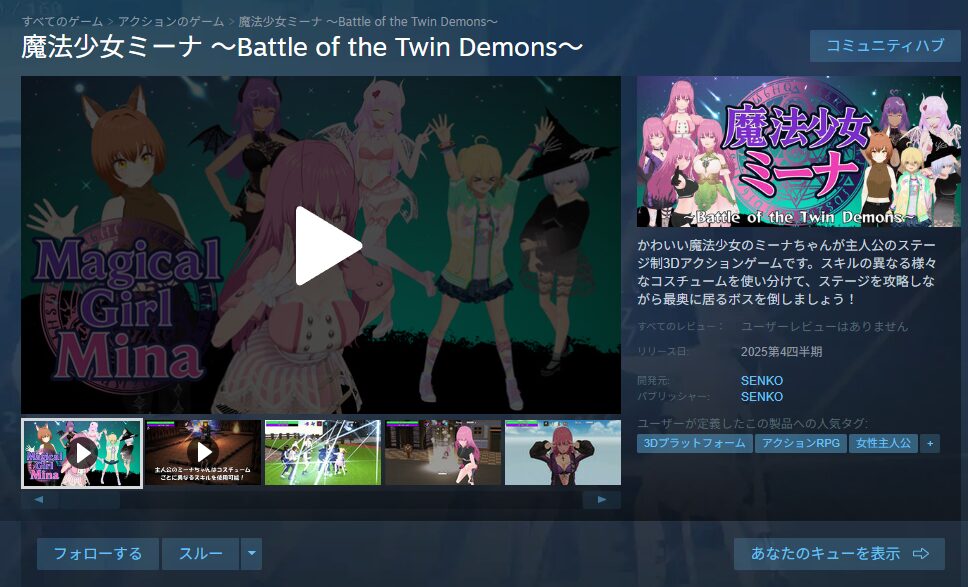
https://twitter.com/FoxEngineer777/status/1974287906367050068
Step 1: Join the Steamworks Distribution Program
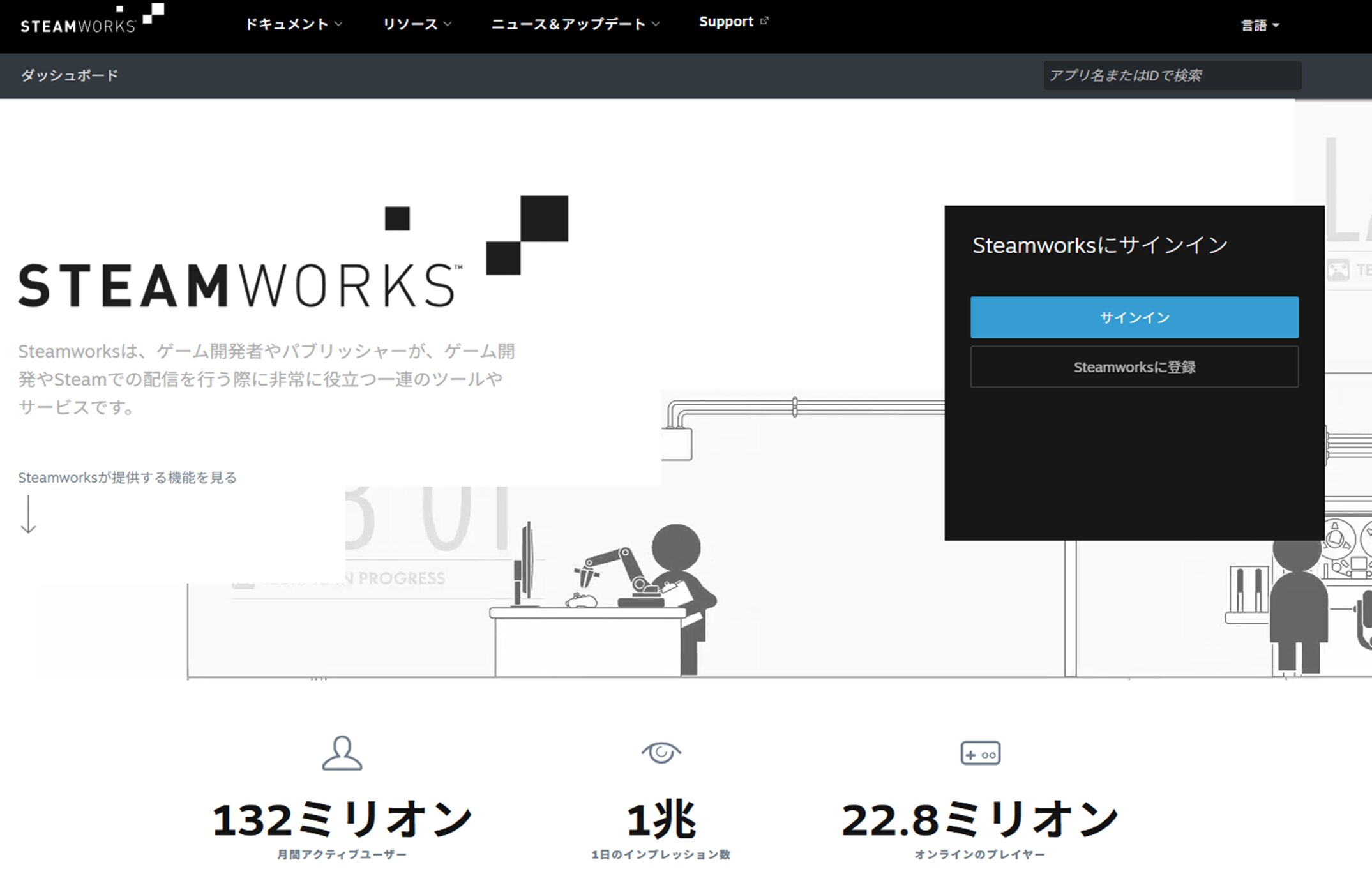
First, join the Steamworks Distribution Program.
Steamworks is the developer-facing side of Steam—not for players, but for people who want to create and sell games. Playing other people’s games on Steam doesn’t require Steamworks, but selling your own game requires registration in the distribution program.
As mentioned above, joining requires $100 and a 30-day waiting period. This is not a step to take lightly.
On the flip side, if you’re genuinely planning to release on Steam someday, registering early—even before your game is finished—is a smart move so the waiting period doesn’t delay your release later.
For the specific Steamworks registration process, see the article below.
Step 2: Prepare and Publish a Store Page
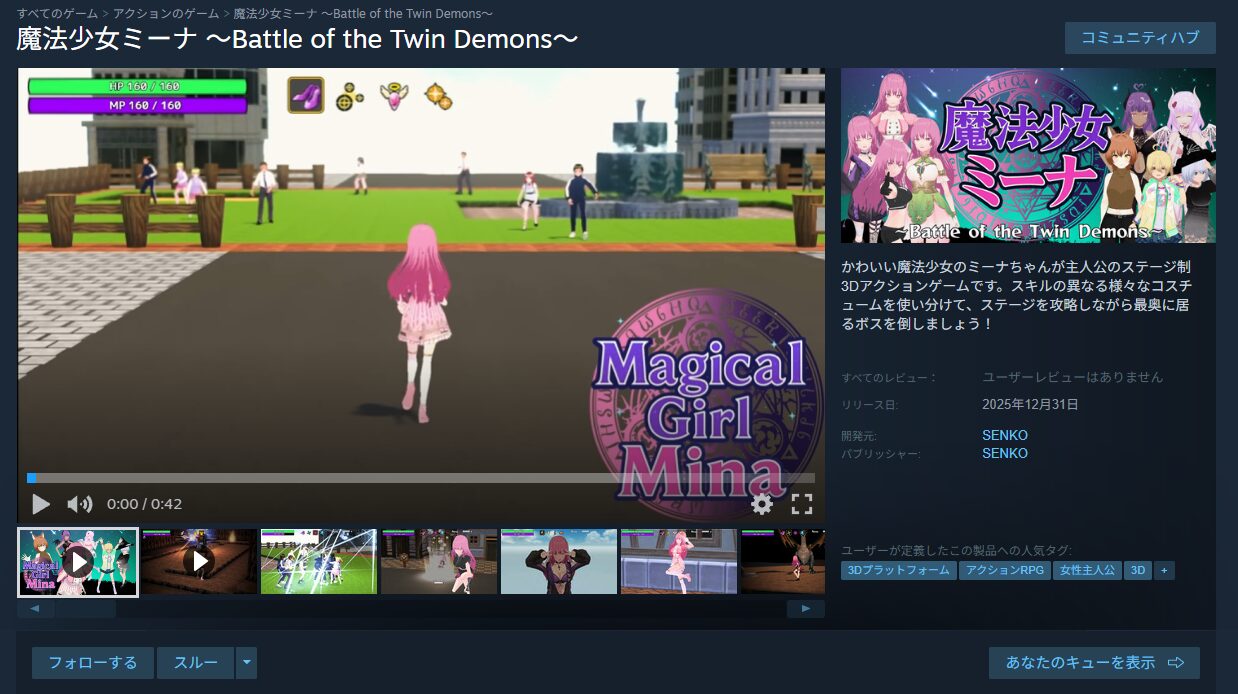
Once Steamworks registration is complete, you need to build a store page to showcase the game you plan to sell.
Anyone who has downloaded games on Steam has seen other games’ store pages: they typically feature one or two trailers and multiple screenshots.
Note: trailers aren’t strictly required, but they have a major impact on sales. Prepare one if at all possible (it can be updated later).
You’ll also need written descriptions of the game and a planned release date.
The quality of your store page directly affects your sales, so expect to spend significant time on it—anywhere from days to weeks.
For the specific store page setup and publication process, see the article below.
Step 3: Create and Publish a Demo
Once the store page is live, the natural next step might seem to be uploading the game build—but first, you should create and publish a demo.
A demo isn’t technically required, but for a practical Steam launch, skipping the demo is almost never the right call.
The reasons:
- Publishing a demo creates a major visibility spike (Steam surfaces it, and it’s easier to get press coverage at that moment)
- Participating in Steam Next Fest—Steam’s biggest event for new games—requires a published demo
Beyond those points, having a demo simply makes players more comfortable buying, which can multiply sales. Compared to releasing without a demo, the difference in sales can be dramatic—especially for smaller developers with limited marketing reach.
Creating a demo obviously requires having a playable version of the game first, but the process also involves a lot of steps and takes time. Even if the game isn’t finished yet, start preparing the demo early.
For the demo creation and publishing process, see the article below.
ArticleStep 4: Build and Release the Full Game
With the demo out, it’s time to build and release the full product. The full game review process is stricter—typically the game must be feature-complete, including all planned functionality, or the review may be rejected.
That said, if the game is playable from start to finish, you can submit it for review and continue polishing side quests, items, and UI quality afterward.
Reviews can take a while and may be rejected more than once, so aim to have the build ready for review at least one month before your target release date.
After the build is approved, the final step is publishing. Publishing involves relatively little work compared to the build process, so both will be covered together in a dedicated article.
(Article in progress — coming soon)
Completing this final step is when the game actually goes on sale. The finish line!
That said, the real work continues after release—promotion, addressing player feedback, and (if applicable) planning your next project. The release is a milestone, not an end.
Summary
This article covered how an independent game developer can sell a game on Steam. As the article makes clear, getting a solo-developed game onto Steam is genuinely difficult. Anyone who has done it—regardless of the game—deserves respect for seeing it through.
Given the effort involved, it’s worth seriously asking whether Steam is the right choice for you.
I’ve written a separate article examining whether selling on Steam is actually the right move for solo developers at your stage. Worth reading before you commit:
Reading this article might make some people hesitate. But if you intend to pursue game development seriously in the long term, Steam is a challenge you’ll need to face eventually.
If now isn’t the right time, bookmark this article and come back when you’re ready. Having a clear picture of the path ahead will help you approach it strategically.
That wraps up this article. If I find more information useful to the broader community, I’ll continue writing about it—follow me on X if you want to stay updated.

Also popular with readers
📚 Series: How to Sell Your Game on Steam (1/7)