About This Article
This article is for anyone who has started running their own blog or website and wants to earn revenue through Amazon affiliate links.
To earn from Amazon’s advertising links, you need to join the Amazon Associates program and generate links from there.
This article covers how to sign up for Amazon Associates and how to place affiliate links once you’re registered.
How to Sign Up for Amazon Associates
Start by visiting the official Amazon Associates page. You can access it at:
https://affiliate.amazon.co.jp/
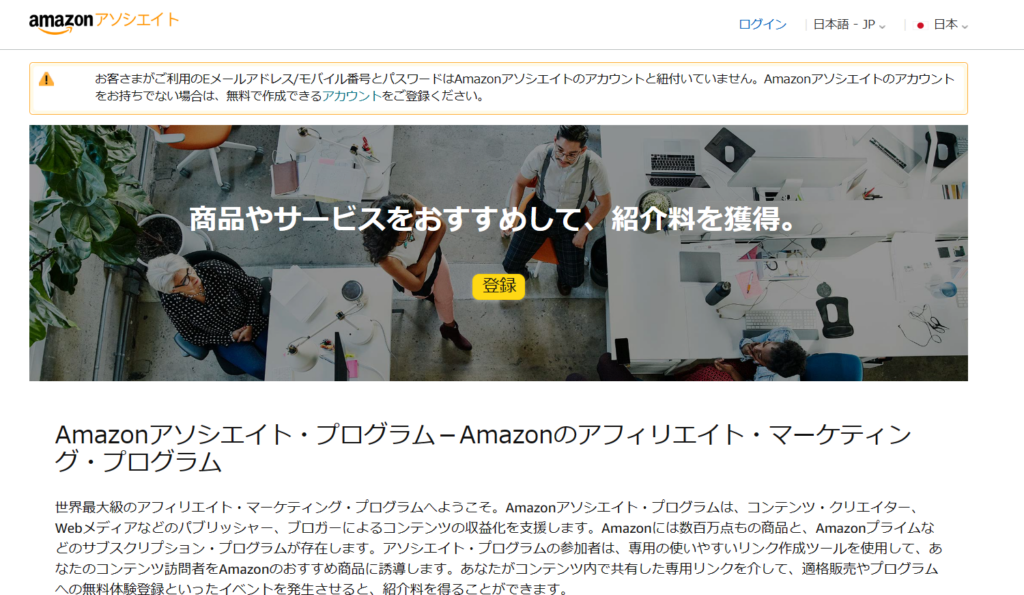
On the Associates homepage, click the “Register” button in the center of the screen to begin the signup process.
The registration will proceed under the Amazon account you’re currently logged in to. If you maintain separate personal and business accounts, make sure you’re signed in to the account you want to use for Associates before proceeding.
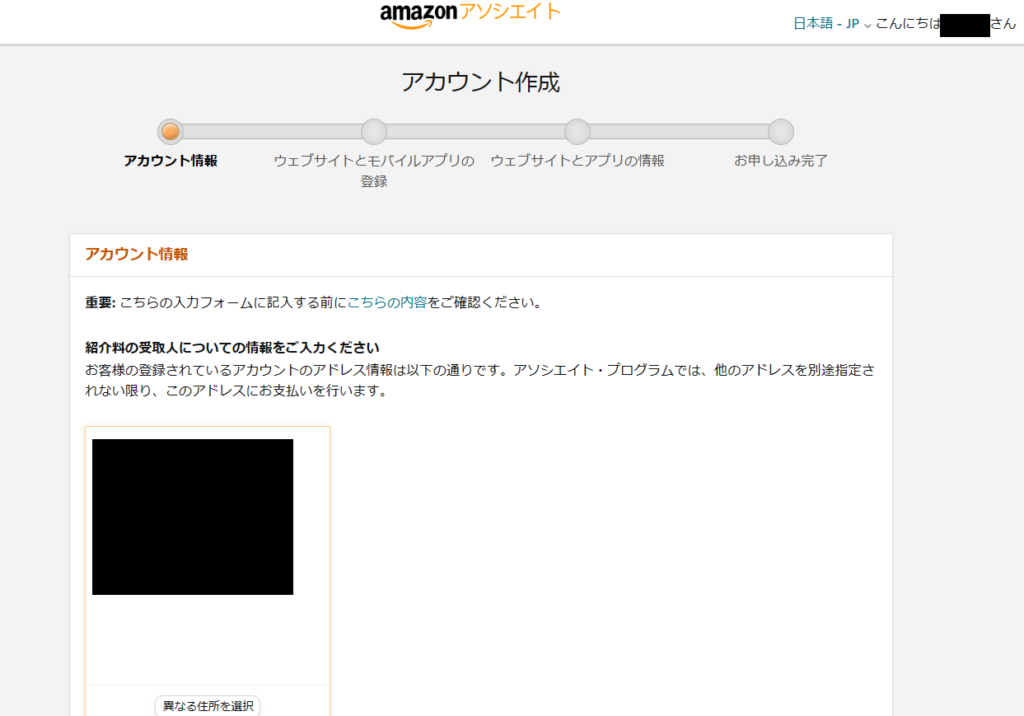
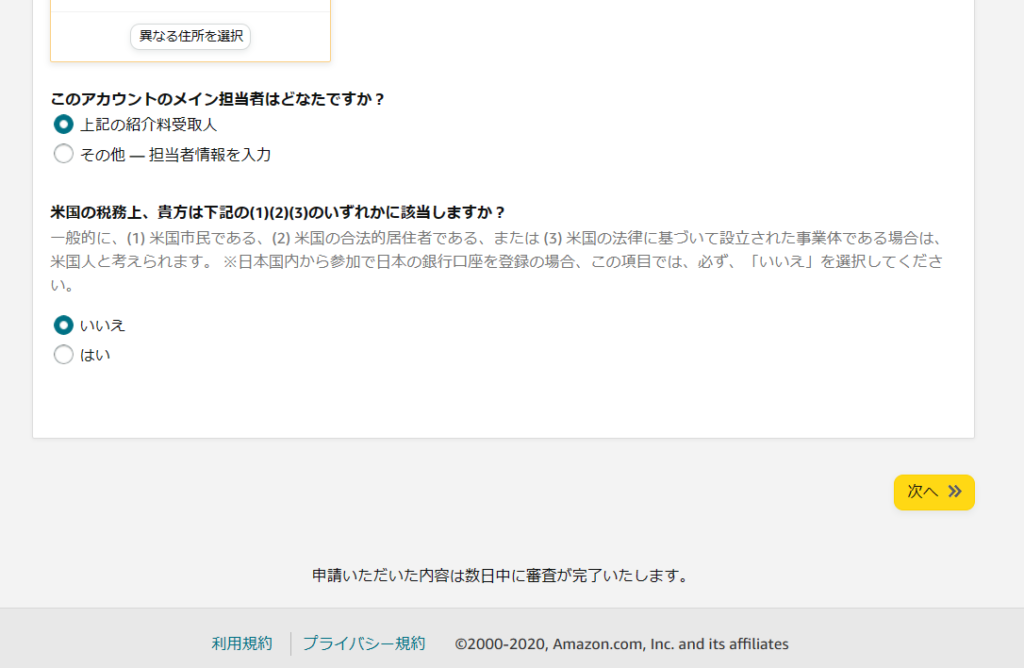
The first step confirms the account information that will be linked to the program. As mentioned, verify that the correct account is selected — especially if you have a business account.
For the questions below, most users will match the example shown. Click “Next” at the bottom when ready.
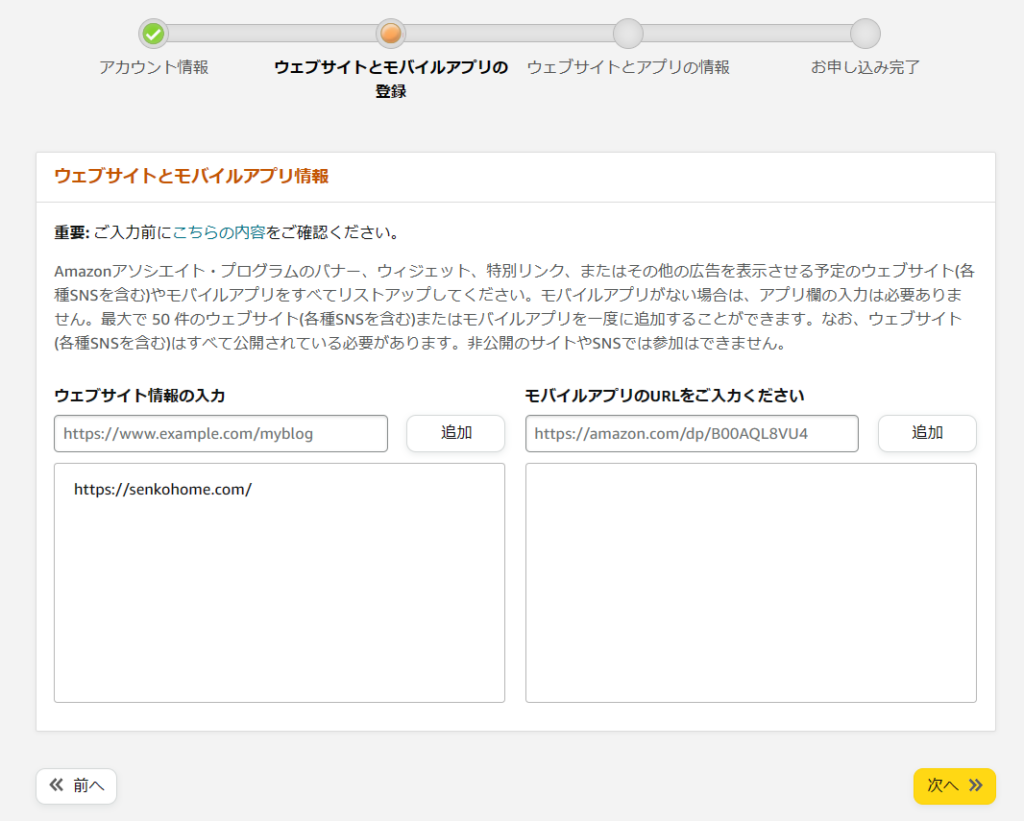
Next, enter the URL of the site where you’ll be placing affiliate links. If you have a blog or self-hosted website, enter its URL. If you plan to share links from a third-party platform (like social media), enter that URL instead.
Click “Next” when done.
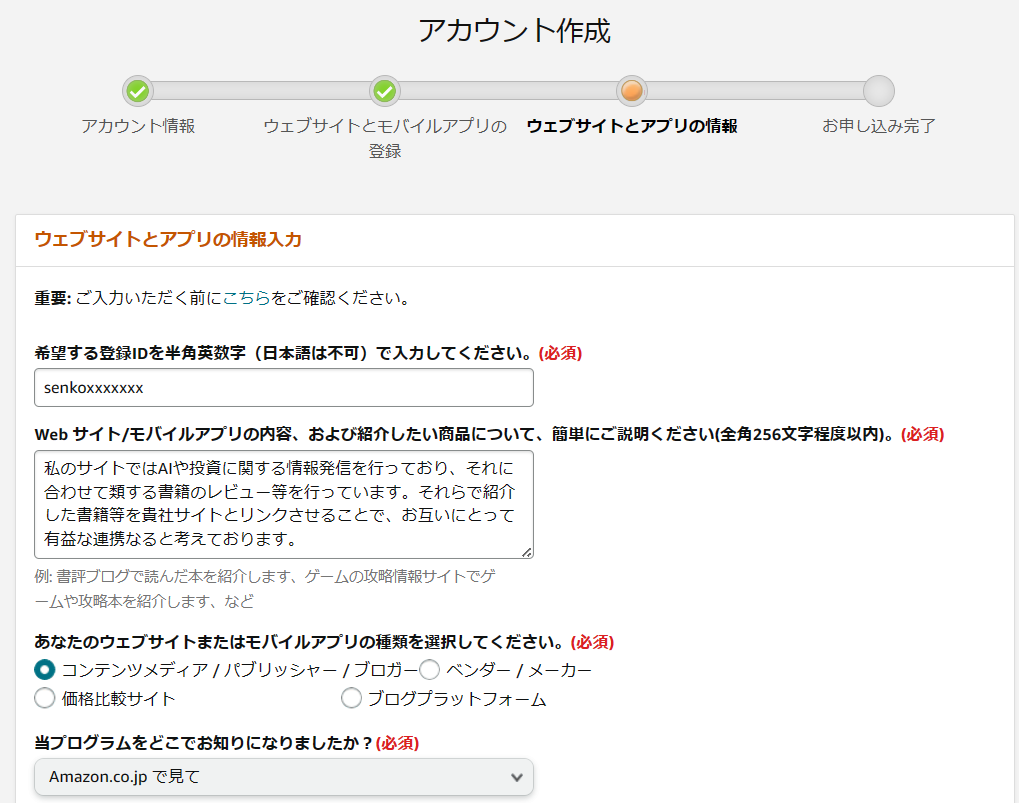
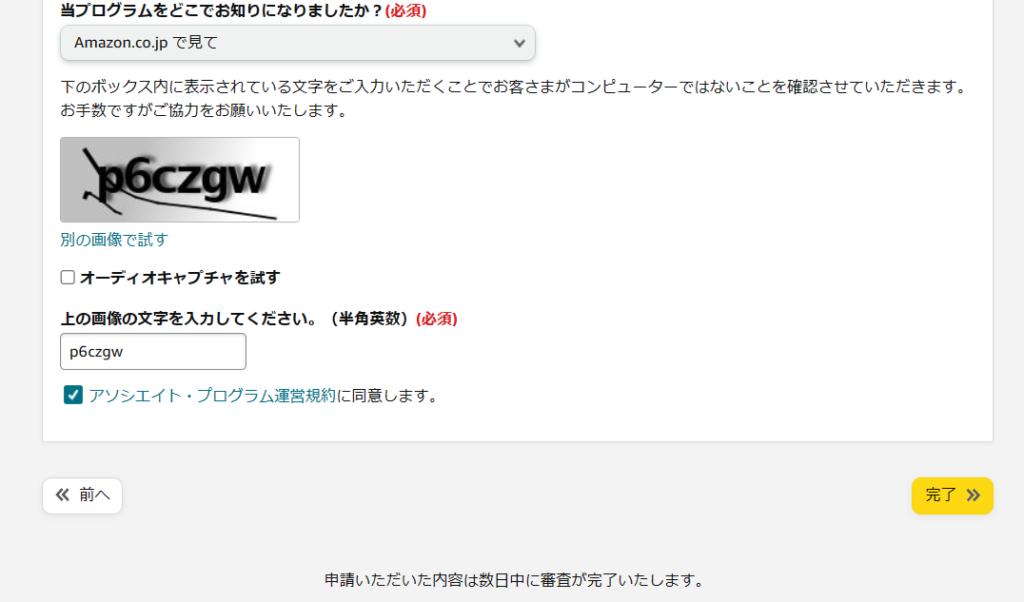
You’ll now be asked to enter your preferred Associates ID. This can be anything you like — it appears in your affiliate links. Fill in the description fields with at least a minimal explanation of your site and content. Answer the remaining questions based on how you plan to use the program, then complete the CAPTCHA at the bottom and click “Finish.”
Registration is now complete.
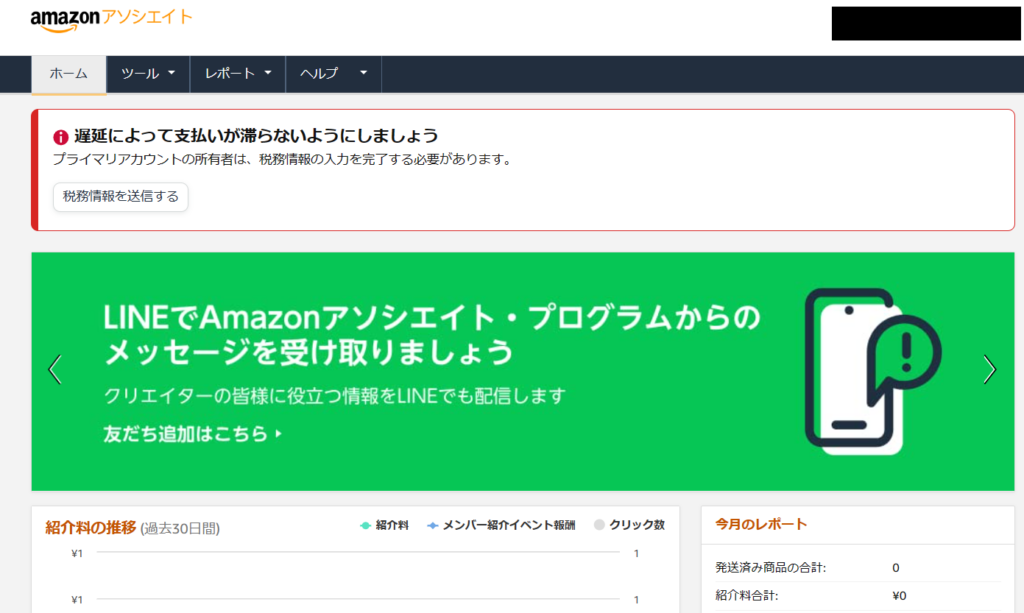
After registering, the Associates home screen will likely display a notice that tax information needs to be submitted. Failing to complete this step may result in payment errors, so take care of it immediately.
Click “Submit tax information.”
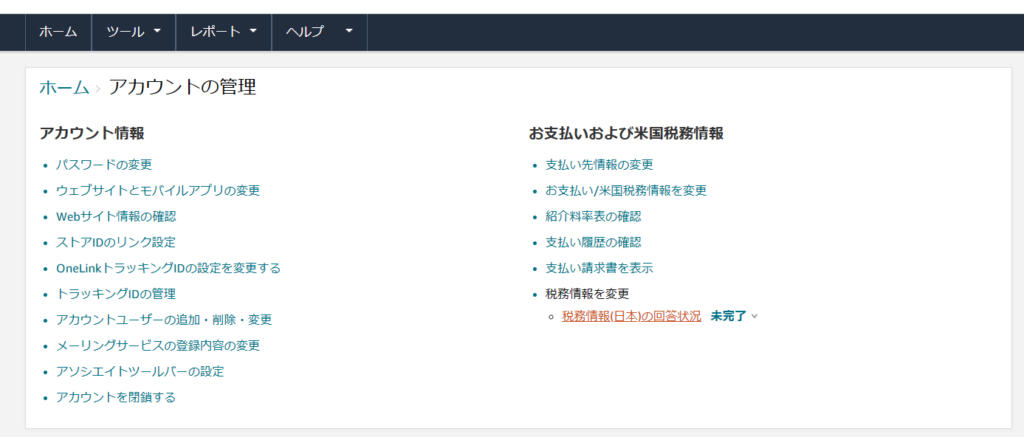
You’ll be taken to the account management screen. Click the tax information link in the lower right to proceed.
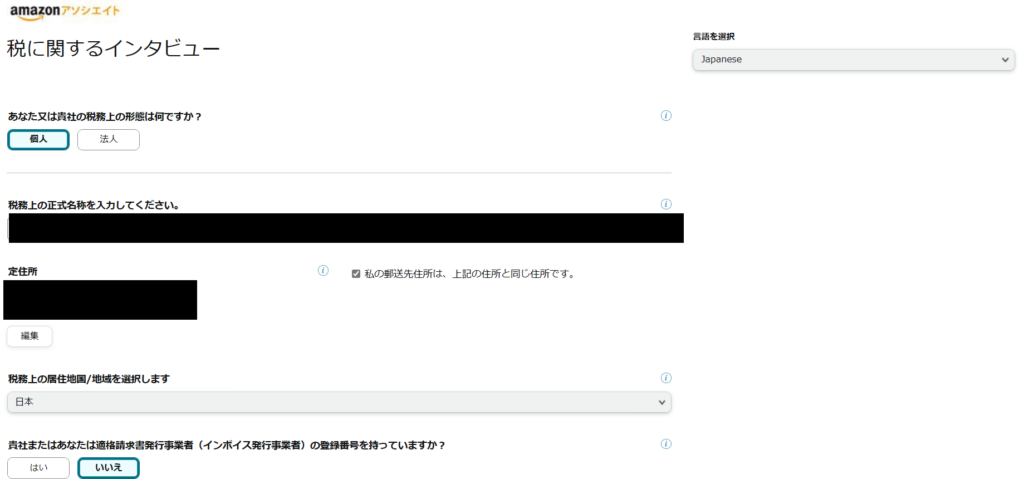
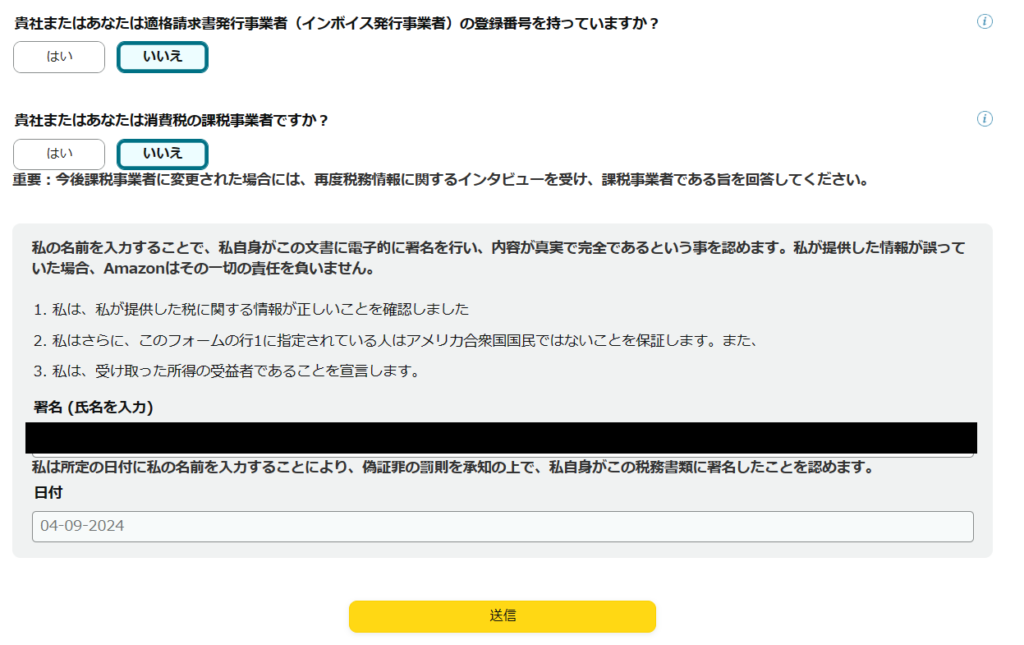
A tax interview will appear with several questions. Answer each one accurately.
Name and address are straightforward. For the invoice registration question (relevant to Japan’s invoice system): select “Yes” if you are registered as a business entity for invoice purposes, or “No” if you haven’t completed that process. If your business grows and you register later, you can return to update this field. Sign your name at the bottom and click “Submit.”
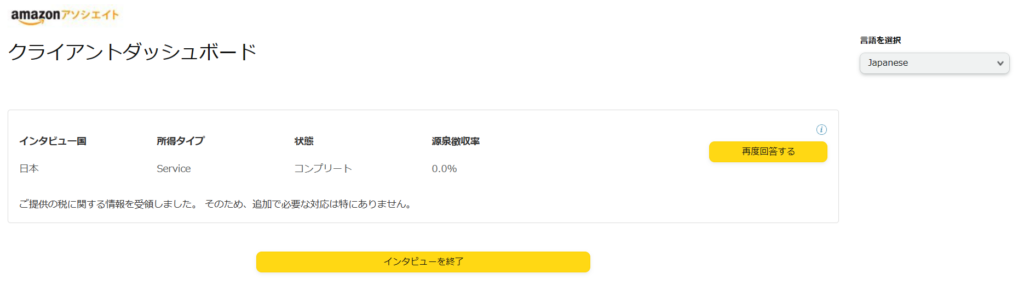
The registration was accepted. Click “Exit interview” to return to the home screen.
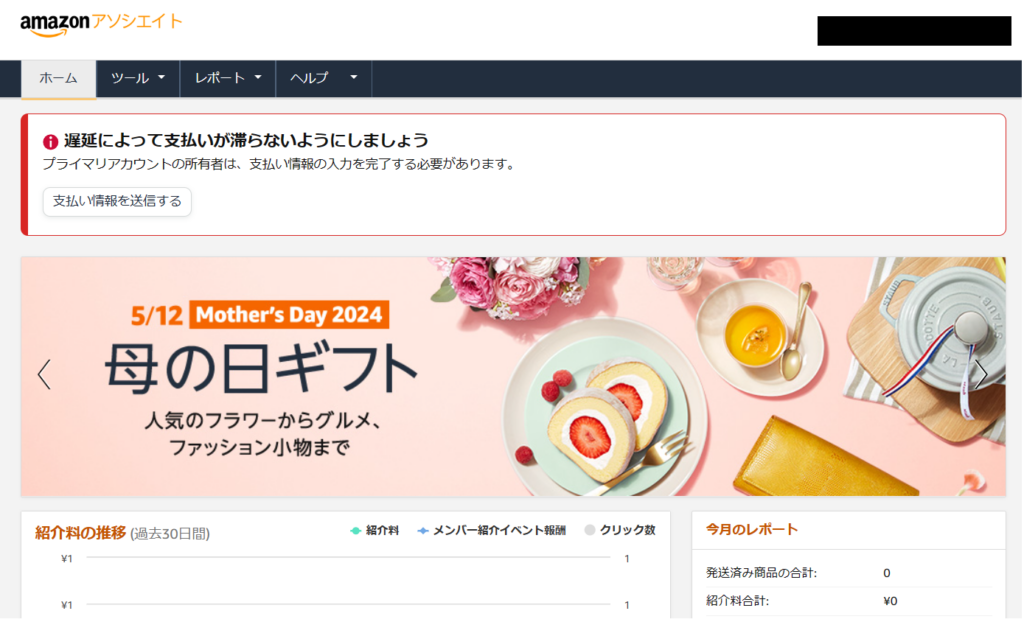
Back on the home screen, there may still be a notice about payment information. Without registering payment details, you won’t receive earnings even when sales occur — do this right away.
Click “Submit payment information.”
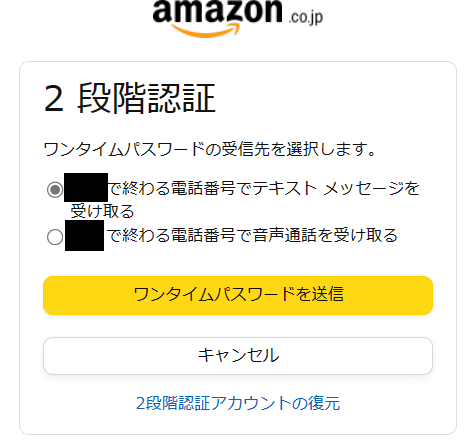
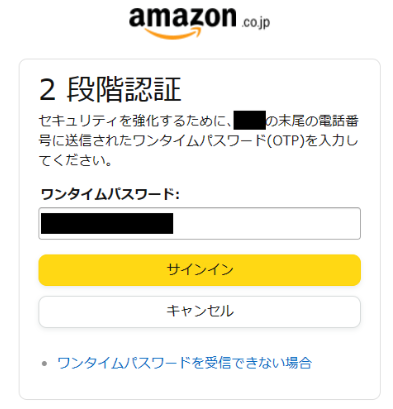
Two-factor authentication will be triggered — a one-time password sent to your registered phone number. Complete this step.
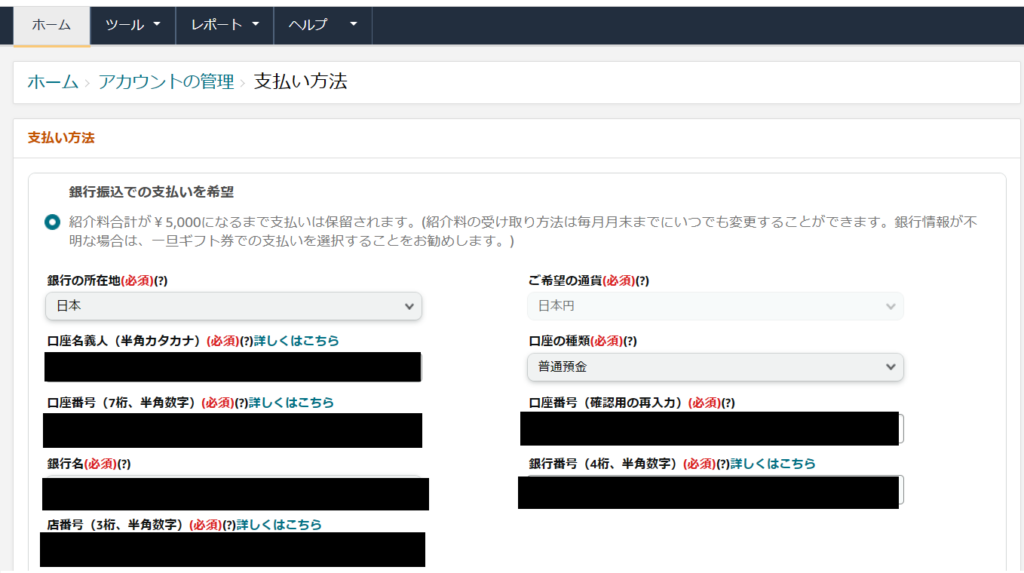
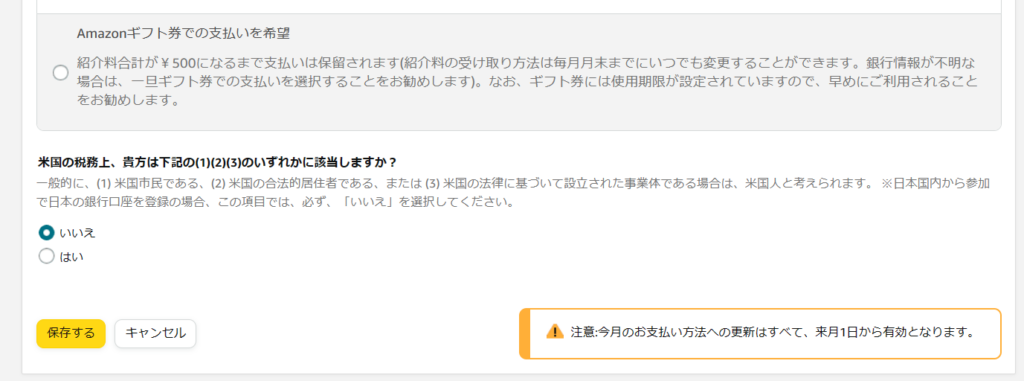
After authentication, you’ll be asked how you want to receive your earnings: bank transfer or Amazon gift cards. Bank transfer is almost always the right choice. You can use a gift card option when earnings are small or if you don’t yet have a business bank account set up — but plan to switch to bank transfer eventually.
Enter your bank account details, then click “Save.”
Payment registration is complete. Return to the home screen and confirm that no more notices appear. All required setup is now finished.
How to Create and Place Affiliate Links
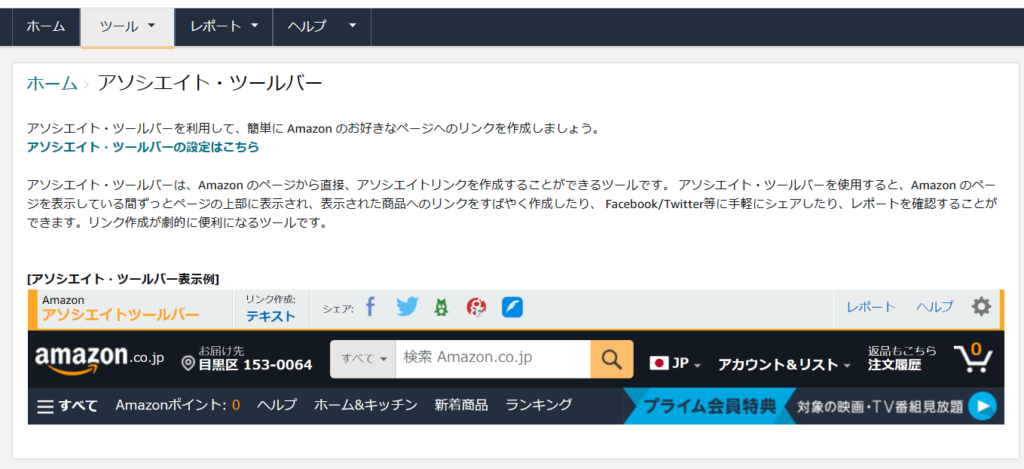
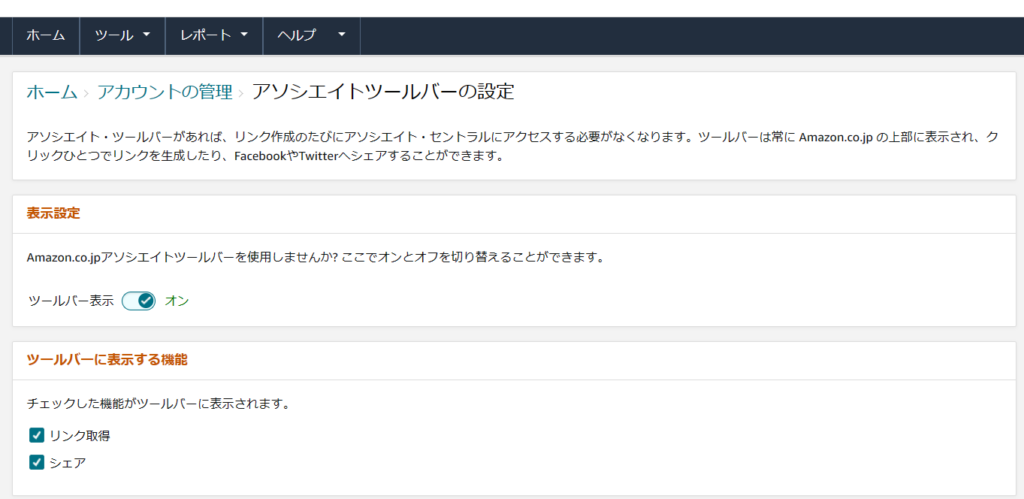
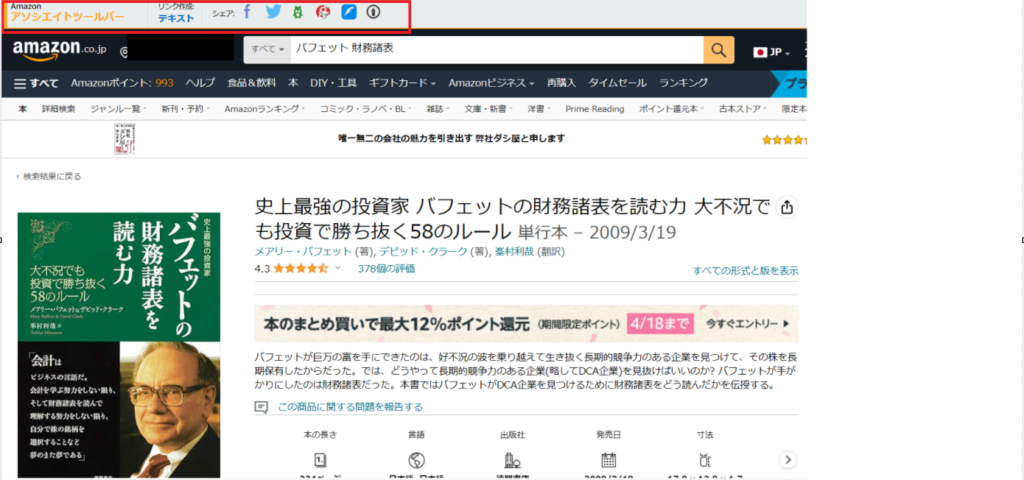
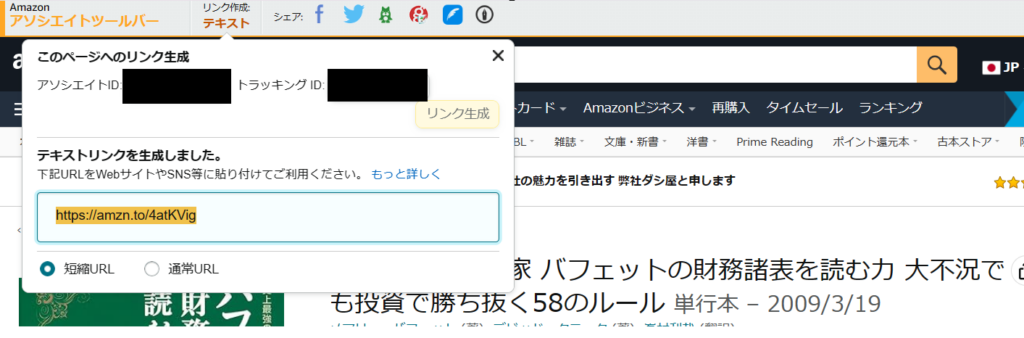
Here’s how to create Amazon affiliate links and add them to your site.
Summary
This article covered how to register for Amazon Associates and place affiliate links on your site.
Once set up, Amazon affiliate links are one of the most accessible ways to start monetizing a blog. If you haven’t tried it yet, I’d encourage you to sign up and experiment.
For more on investing and related topics:

Also popular with readers